160 Infotainment system
Automatic switch-off
If the Infotainment system has been
switched on pressing X while the
ignition is switched off, it will switch off
again automatically when the Eco
mode becomes active.
Setting the volume
Turn X. The current setting is shown
on the display.
When the Infotainment system is
switched on, the last selected volume
is set.
Speed compensated volume
When the speed compensated
volume is activated, the volume is
adapted automatically to make up for
the road and wind noise as you drive.
Mute
Press X to mute the Infotainment
system.
To cancel the mute function, press
X again. The last selected volume is
set again.
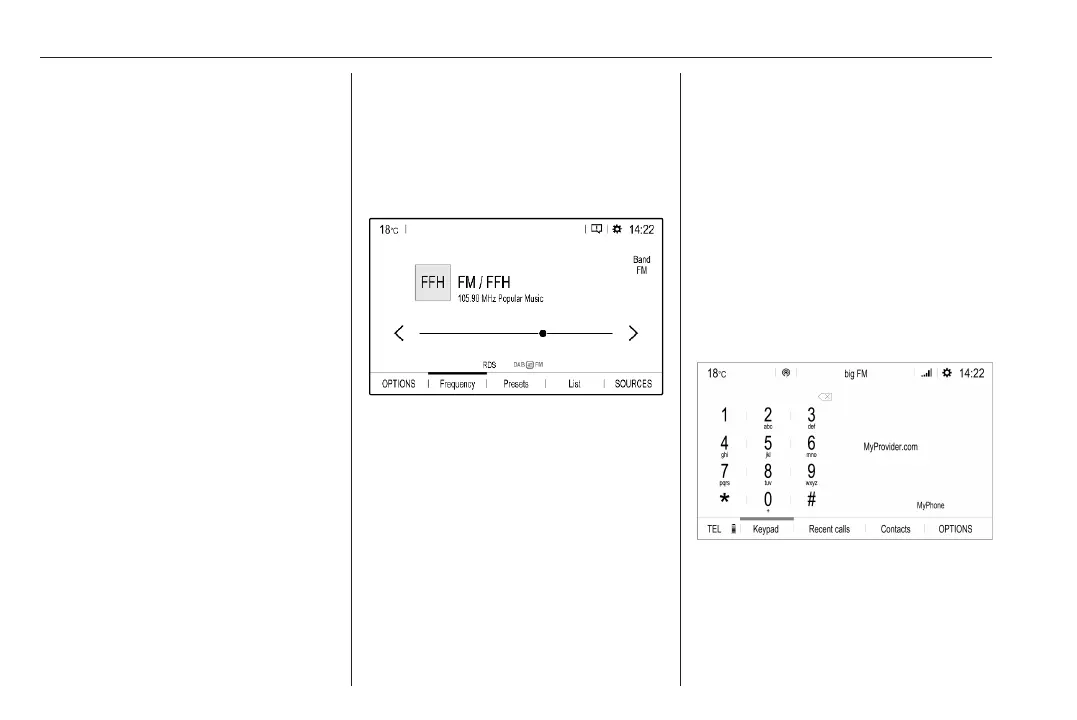
Modes of operation
Audio-Media
Press b to display the main menu of
the last selected audio mode.
Changing the media source
Select SOURCES to display the
menu for media source selection.
Select the desired media source.
For a detailed description of:
● Radio functions 3 165
● CD player 3 168
● External devices 3 172
Phone
Before the phone function can be
used, a connection has to be
established between the Infotainment
system and the mobile phone.
For a detailed description of
preparing and establishing a
Bluetooth connection between the
Infotainment system and a mobile
phone 3 172.
If the mobile phone is connected,
press a to display the main menu of
the phone function.
For a detailed description of mobile
phone operation via the Infotainment
system 3 172.













 To Next Page