Infotainment system 167
Retrieving stations
In the radio main menu select
Presets and then briefly touch the
preset button of the desired station.
Radio data system
Radio data system (RDS) is a service
of FM stations that considerably
facilitates the finding of the desired
station and its fault-free reception.
Activating RDS
In the radio main menu, select
OPTIONS and activate RDS.
If RDS is activated, RDS is displayed
in the bottom line of the radio main
menu.
Radio text
If RDS is activated, information on the
radio programme currently active or
the music track currently playing are
displayed below the programme
name.
To show or hide the information, go to
the OPTIONS menu and activate or
deactivate Information.
Traffic announcements
Many RDS stations broadcast traffic
news. If the traffic announcements
function is activated, radio or media
playback is interrupted for the
duration of a traffic announcement.
To activate traffic announcements, go
to the OPTIONS menu and activate
TA.
If TA is activated, TA is displayed in
the bottom line of the radio main
menu.
Digital audio broadcasting
Digital audio broadcasting (DAB)
broadcasts radio stations digitally.
DAB stations are indicated by the
programme name instead of the
broadcasting frequency.
FM-DAB Linking
This function enables switching from
an FM station to a corresponding
DAB station and vice versa.
Switching from FM to DAB occurs as
soon as a corresponding DAB station
is available. Therefore, it is
recommended to store favourite
stations as DAB stations to reduce
frequent switching.
Switching from DAB to FM occurs if
the signal is too weak to be picked up
by the receiver.
Activation
Precondition is that RDS is activated
before FM-DAB Linking can be
activated.
To activate FM-DAB Linking, select
OPTIONS in the radio main menu and
then activate FM-DAB Follow-up.
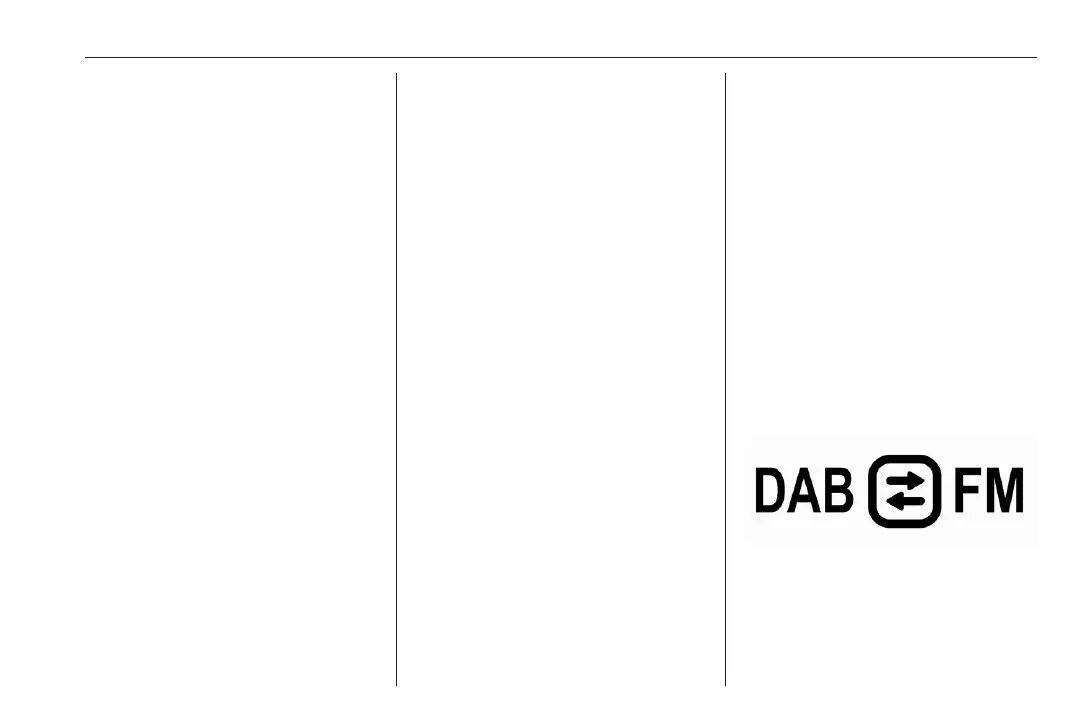
The following symbol will be
displayed when FM-DAB Linking is
activated:
Deactivation
To deactivate FM-DAB Linking, select
OPTIONS in the radio main menu and
then deselect FM-DAB Follow-up.


 To Next Page
 Loading...











