200 Infotainment system
different on the Infotainment
system's display and the mobile
phone's display.
If the Bluetooth connection has been
successfully performed: in case
another Bluetooth device had been
connected to the Infotainment
system, this device is now
disconnected from the system.
If the Bluetooth connection failed:
start the procedure described above
again or consult the operating
instructions for the Bluetooth device.
Connecting another paired device
Activate the Bluetooth function of the
Bluetooth device. For further
information, see the operating
instructions for the Bluetooth device.
Press MENU, select Connections and
press OK.
Select Connections management
and press OK. A list of all Bluetooth
devices currently paired to the
Infotainment system is displayed.
Notice
The Bluetooth device currently
connected to the Infotainment
system is indicated by ¥.
To establish the connection, select
the desired device and press OK.
Disconnecting a device
Press MENU, select Connections and
press OK.
Select Connections management
and press OK. A list of all Bluetooth
devices currently paired to the
Infotainment system is displayed.
Notice
The Bluetooth device currently
connected to the Infotainment
system is indicated by ¥.
Select the device currently connected
to the Infotainment system.
Press OK to confirm your selection.
Select Disconnect telephone.
To disconnect the device, select Yes
and press OK.
Removing a paired device
Press MENU, select Connections and
press OK.
Select Connections management. A
list of all Bluetooth devices currently
paired to the Infotainment system is
displayed.
Notice
The Bluetooth device currently
connected to the Infotainment
system is indicated by ¥.
Select the desired device and press
OK to confirm.
To remove the paired device, select
Delete connection and press OK.
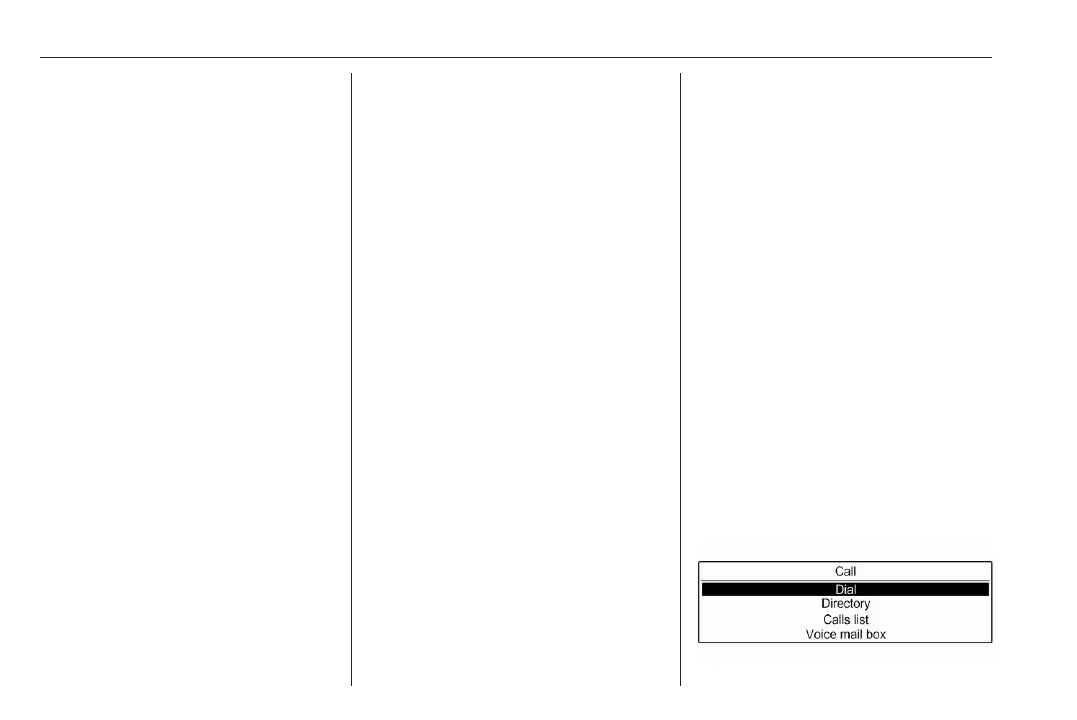
Initiating a phone call
Entering a number manually
Press MENU, select Telephone and
then select Call.













 To Next Page