Driving and operating 249
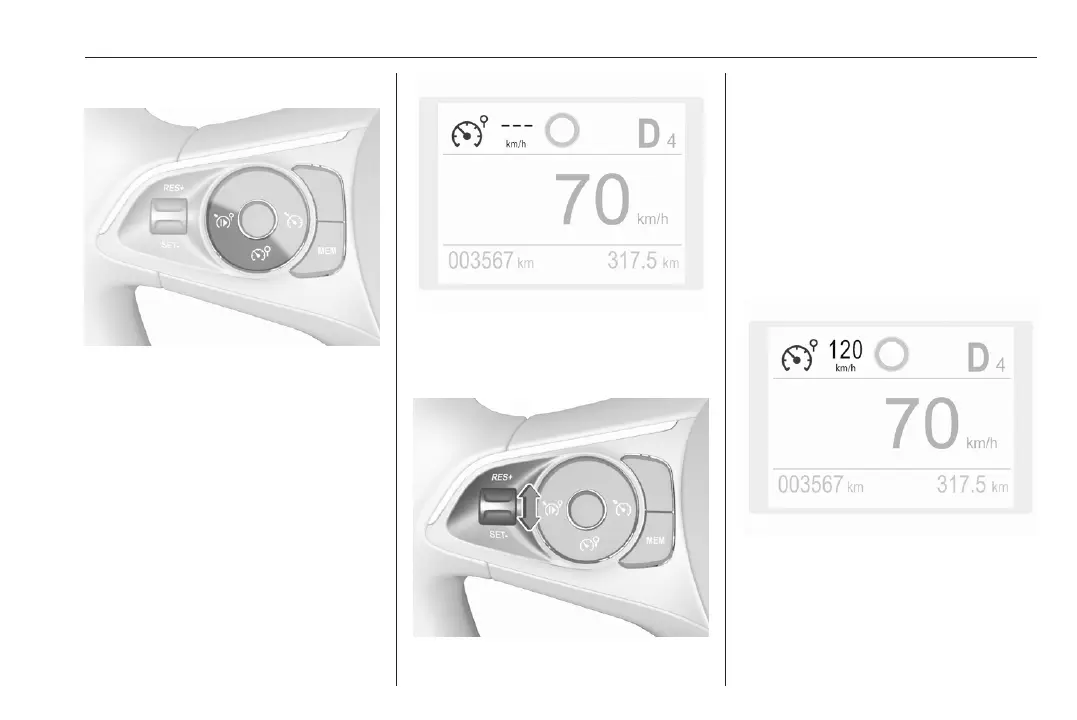
Switching on the system
Press ß, symbol ß and a message
are displayed in the Driver
Information Centre. The system is still
not active.
Activation of the functionality
Setting speed by the driver
Press thumb wheel once briefly to
RES/+ or SET/-.
Following the preset speed can be set
by pressing thumb wheel to RES/+ to
increase or SET/- to decrease the
desired maximum speed. Short press
changes preset speed in small steps,
long press in large steps.
Speed value is indicated in the Driver
Information Centre.
Press Ñ to activate speed limiter.


 To Next Page
 Loading...











