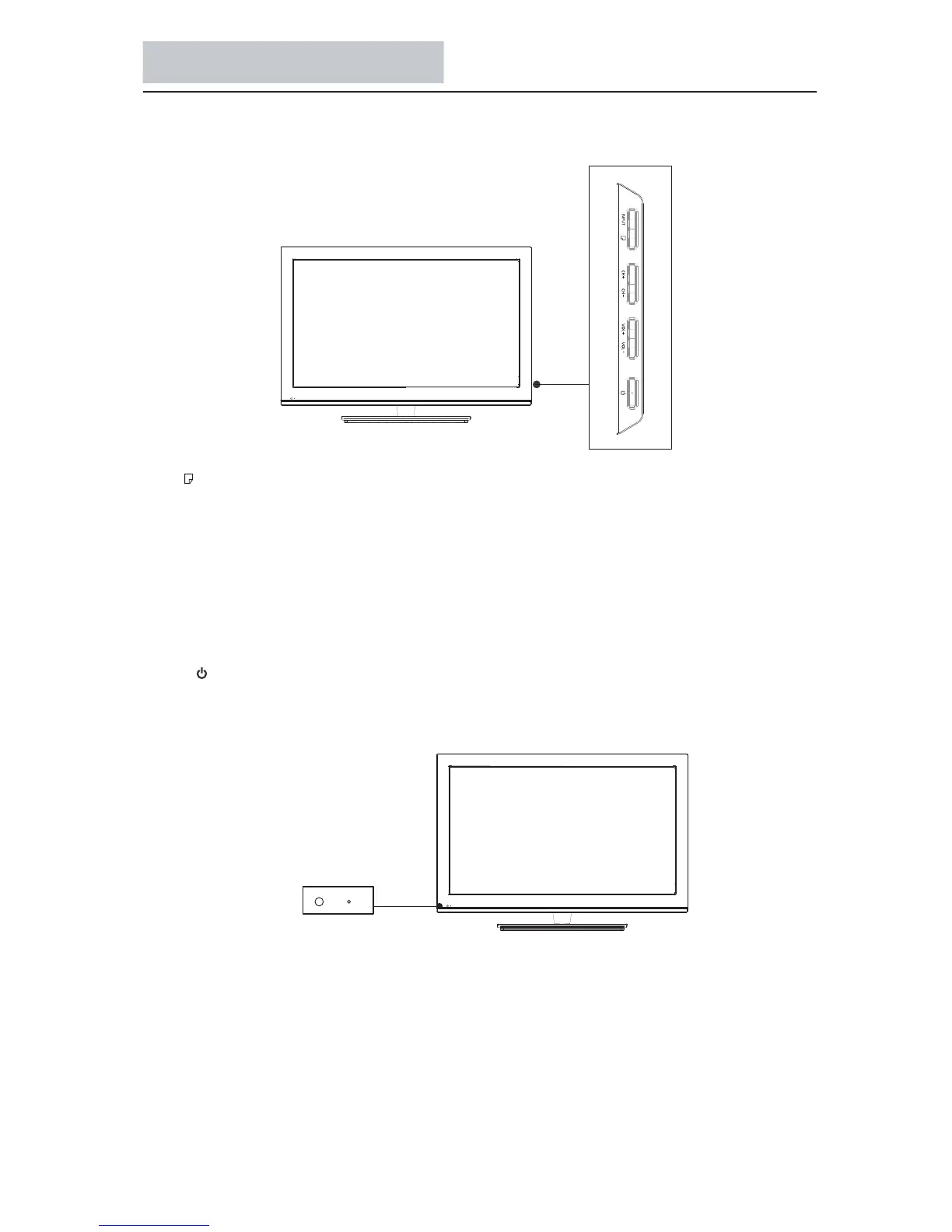
Functions of the panel
31
Panel Buttons
MENU( ): Displays the TV Main Menu.
INPUT:
Displays the Source Select List.
VOL-: Decreases the volume. In the TV m
enu system, it acts like the left arrow on the remote control and can be used to
select menu options.
VOL+: Increases the volume. In the TV menu system, it acts like the right arrow on the remote control and can be used to
select menu options.
CH-: Scans down through the channel list. In the TV menu system, it acts like the down arrow on the remote control
and can be used to select menu options.
CH+: Scans up through the channel list. In
the TV menu system, it acts like the up arrow on
the remote control and can be used to select menu options.
POWER ( ): Turns the TV on and off.
Power Indicator: Light up in red when the TV is in standby mode. Light up in blue when the TV is on.
Remote control sensor: Receives IR signals from the remote.(Do not put anything over the sensor, otherwise, the sensor may
not operate property.)
Power Indicator
Remote Control Sensor



 To Next Page