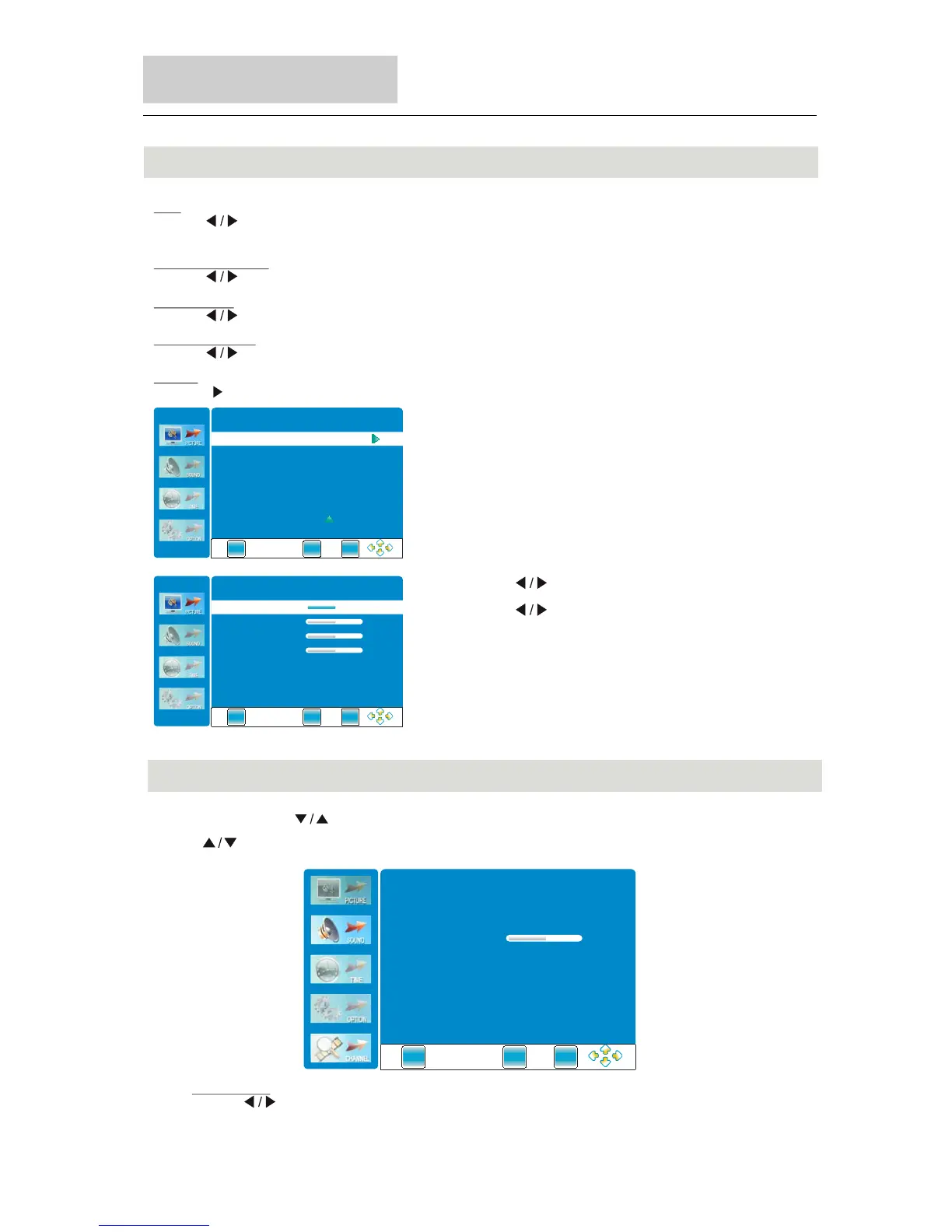
Picture Menu
Menu Operation
37
Color Temperature
Press button to select among user, normal, warm, and cold mode.
" "
Aspect Ratio
Press button to select the ratio of the screen: FULL-NORMAL-AUTO-panorama-ZOOM1-ZOOM2.
" "
Noise Reduction
Press button to select among Auto, off, weak, middle and strong.
" "
Press button to select items.
" "
Press button to adjust it.
" "
Press “EXIT” button to adjust it.
Screen (only available in PC RGB mode)
Press button to enter the submenu.
" "
Tint
Press button to adjust the tint of the picture.
" "
(NTSC mode only)
EXIT
ME NU
ENTE R
Screen.
EXIT
ME NU
ENTE R
50
50
50
Auto Adjust
Vertical pos.
Size
Phase
50Horizontal pos.
Sound Menu
Sound Mode
Press button to select among Standard, Music, Movie, Sports, and User.
(The function is not available for “STORAGE” mode.)
" "
Press "MENU"and " "buttons to select the Sound Menu.
Press .to
" " button select items
EXIT
MENU
ENTE R
Standard
Sound Mode
EQ
Balance
0
Auto Volume Off
Surround Sound Off
SPDIF Output
PC M



 To Next Page