EasyManua.ls Logo

VDigi 32E200SQB - Music

VDigi 32E200SQB
53 pages
Print Icon
To Next Page IconTo Next Page
To Previous Page IconTo Previous Page
Loading...
Music
(be used for skip in music player), and press ENTER button to unselect.
button to confirm to select the misic.
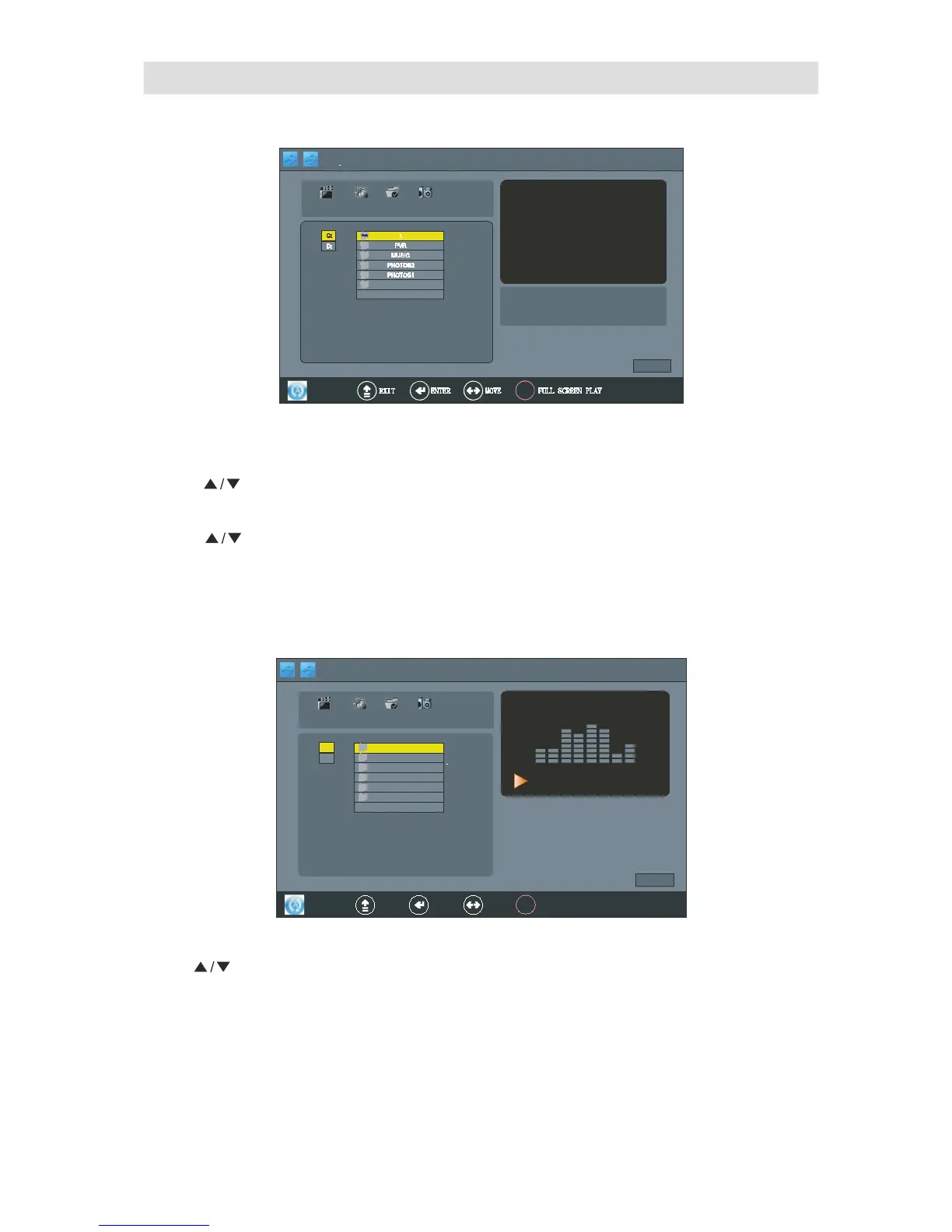
5. Press bu tton to preview the music, and press ENTER
" "
4. Press ENTER button to open the file
3. Press bu tton to selec t the files .
" "
2. Press ENTER button into MUSIC interface.
6. Press “PLAY” button into music player and playing the selected music, as follow display:
Press button to selec t the musics which were selected,and press ENTER button to confirm playing.
" "

43
5
Mar
2008 01 08
.
:
21 ABC1 Once
USB 2.0
PHOTO
MUSIC MOVIE
C
:
\
PVR
MUSIC
PHOT OS2
PHOTOS1
D:
TEXT
Path
1/1
play
Album:
Title:
Bit Rate
:
Sampling:
Artist: Year
:
MOVIE
5
Mar
2008 01 08
.
:
21
ABC
1
Once
USB 2.0
PHOTO
MUSIC MOVIE
C:
\
PVR
MUSIC
PHOT OS2
PHOTOS1
D:
TEXT
OOKK
EXIT ENTER MOVE
Path
1/1
p l a y
FULL SCREEN PLAY
Album
:大海
Title
: 大海
Bit Rate K: 128 Sampling K
:44
Artist
:张雨生
Year:
00 :0 0: 08 /00:0 1: 01
MOVIE

Related product manuals