cctt
r
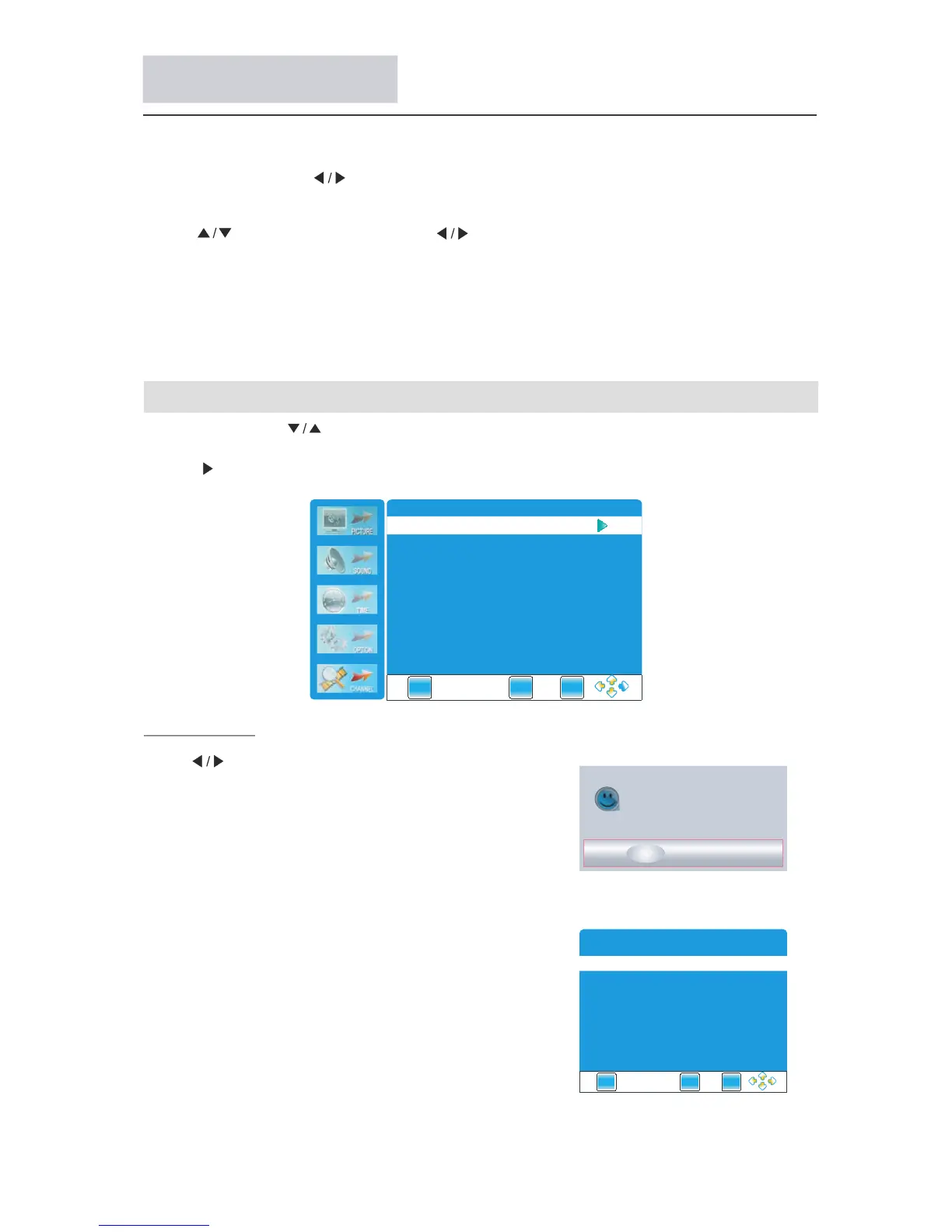
Channel Menu
search channels automatically.
All channels will be saved once searching finished.
In the course of auto searching, you can press "EXIT" to
stop the searching process.
Press to select the items
" "
ENTER or button .
Press
.
" "
or ENTER button to enter the shubmeu
Press " .to Start buttons select
▼
Auto Tuning
Note If it is the first time installation it will start
with Installation Guide Menu
: ,
.
Press ENTER button to enter Auto Tuning, the TV will
Press "MENU"
" "
and buttons to select the CHANNEL.
"
Menu Operation
Press the " MENU" and to browse the Picture Menu, Sound Menu,
Menu, Menu in turn.
" "
Press "EXIT" to exit "MENU" mode.
.
.
: ,
.
" " buttons CHANNEL Menu,
Time Option Menu and Media
Press ENTER or button to enter the submenu.
Press button to select items and button to adjust it
Press MENU button to return to the previous menu
button
Note When an item in MENU is displayed as gray it means that the item is not available
or can not be adjusted
▼
Press "EXIT" to exit "MENU" mode.
" "
" "
If you want to adjust the display settings, please follow the instruction below.
Auto Tuning
DTV Manual Tuning
ATV Manual Tuning
Programme Edit
EXIT
MENU
ENTE R
Start to update info
?
Start
Cancel
EXIT
ME NU
ENTE R
Installation Guide
Language
English
Auto Tuning
ME NU
EXIT
ENTE R



 To Next Page