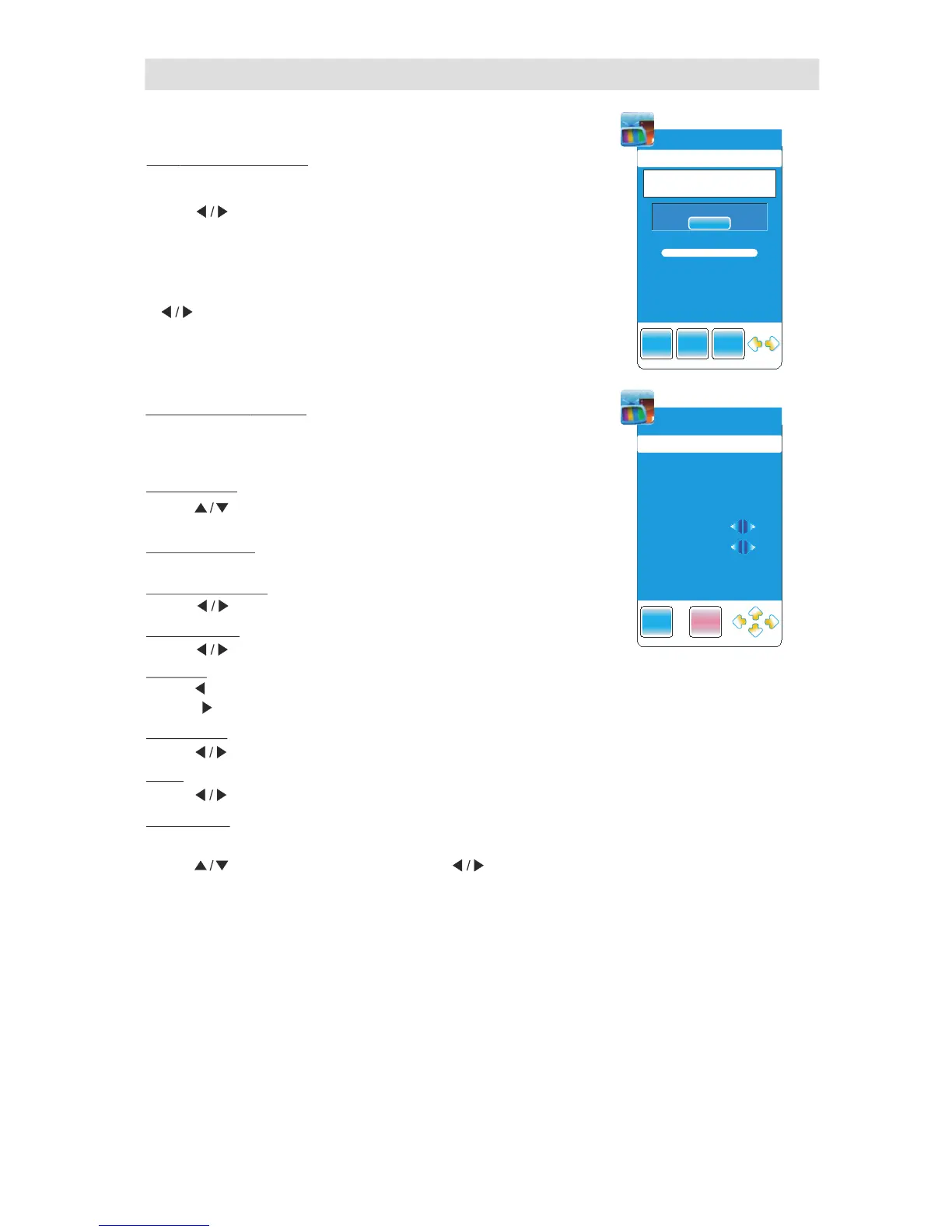
Press ENTER button to search
DTV Manual Tuning ( )only available in DTV mode
Press to
." "button select channel
Whe n a channe l is found, the search ing pro ce ss will stop ,
the ch annel will be saved with current ch annel number
If the prog ram is not your expected on e, plea se pre ss
button to conti nue the search ing.
" "
Press EXIT to exit.
" " button
If you fi n d o ne ch annel i s a l i ttl e w eak ,
you can adju s t t h e frequen cy of the c h an n el .
It mig ht impr o ve th e qual ity of pic t ure and sou n d.
ATV Manual Tuning
S t o r a g e T O
C o l o r S y s t e m
A u d i o Sy s t e m
C u r r e n t C H
F i n e -T u n e
S k i p
Fr e q u e n c y
S e a r c h
( )only available in TV mode
Press to
.
"
" button select items
Press to
Can’t be adjusted.
Press button to select Audion System:I—BG—DK." "
Press button to select current channel." "
Press button to adjust frequency." "
Press button to turn on/off " " "SKIP ".
Display the current channel frequency.
Press button to seach channel from high to low,until find the channel." "
Press button to search channel from ,until find the channel." " low to high
" " button select to storage to channal
NO. from 1 to 100.
Press to adjust it
.
" " button
Press the red button to save it
.
Press "EXIT" to exit.
button
Channel Menu



 To Next Page