EPG( )only available in DTV mode
PPRROOGGRRAAMMMMEE GGUUIIDDEE
05 Nov 2008 01 07
::
DTV 23
J2
17:45-18:15 You
\'re Under Arrest 2
::
DDTTVV
82 J2
83 iNews
8855 HHiigghh DDeeffiinniittiioo....
1111 NNoovv
18 00:: 19 00::
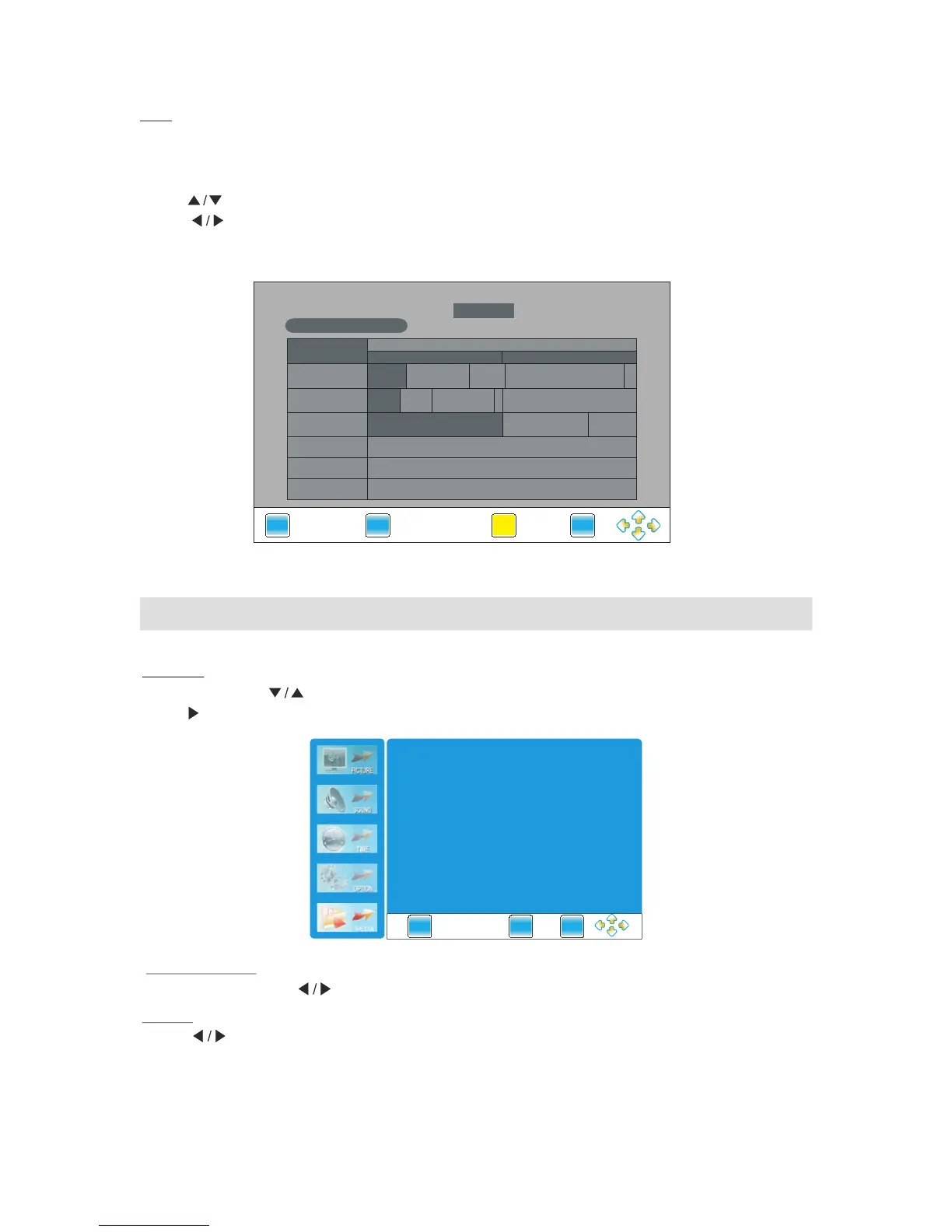
You can check the program information for the next 7days.
(If the information is available from broadcast)
Press to
Press EPG button to display the Electronic Programme Guide.
" "
.
" " button select the channel
Press and yellow button to select the time
.
" "
NN
..
Press INFO button to show the information of the program.
" "
Important Unique Button
Reminder
Media Menu
MEDIA
Press and button to select the .
Press or ENTER button to enter the submenu
" "
Slide show speed
Slide sh ow speed:P ress button to selec t among slow,Med ium an d fast.
Repeat
"MENU"
"MEDIA"
" "
" "
" "
Press button to select among the"all","select" and "none" modes.
YYoouu\\''rree EEyyeesshhiieelldd 2211
IInnvveenntt PPeett WWoonnddeerrllaanndd
NNeewwssNNeewwssFFiinnaann
....
NNeewwss
AAtt
66::3300
CCoouuppllee
OOrr
TTrroouubbllee VViiddeeooffaasshhiioonn
NNeewwss SSccoooopp
HH
..



 To Next Page