Movie
NEXT
REV.
Press "NEXT"button to sk ip the forw ard music.
Press "REV."button to fast reve rse amongx2,x4,x8,andx16 modes.
FWD.
STOP
EXIT
Press
"FWD."button to fast forw ard am ongx2,x4 ,x8 an dx16 mod es.
Press
"STOP"button to stop and ret urn .
Press
"EXIT"button to exit,and then can selec t to view the photo at the sa me time.
PAUSE
PLAY
PREV.
Press "PAUSE"button to pause the playing music.
Press "PLAY"button to play the music.
Press "PREV."button to skip the backward mus ic.
MOVIE
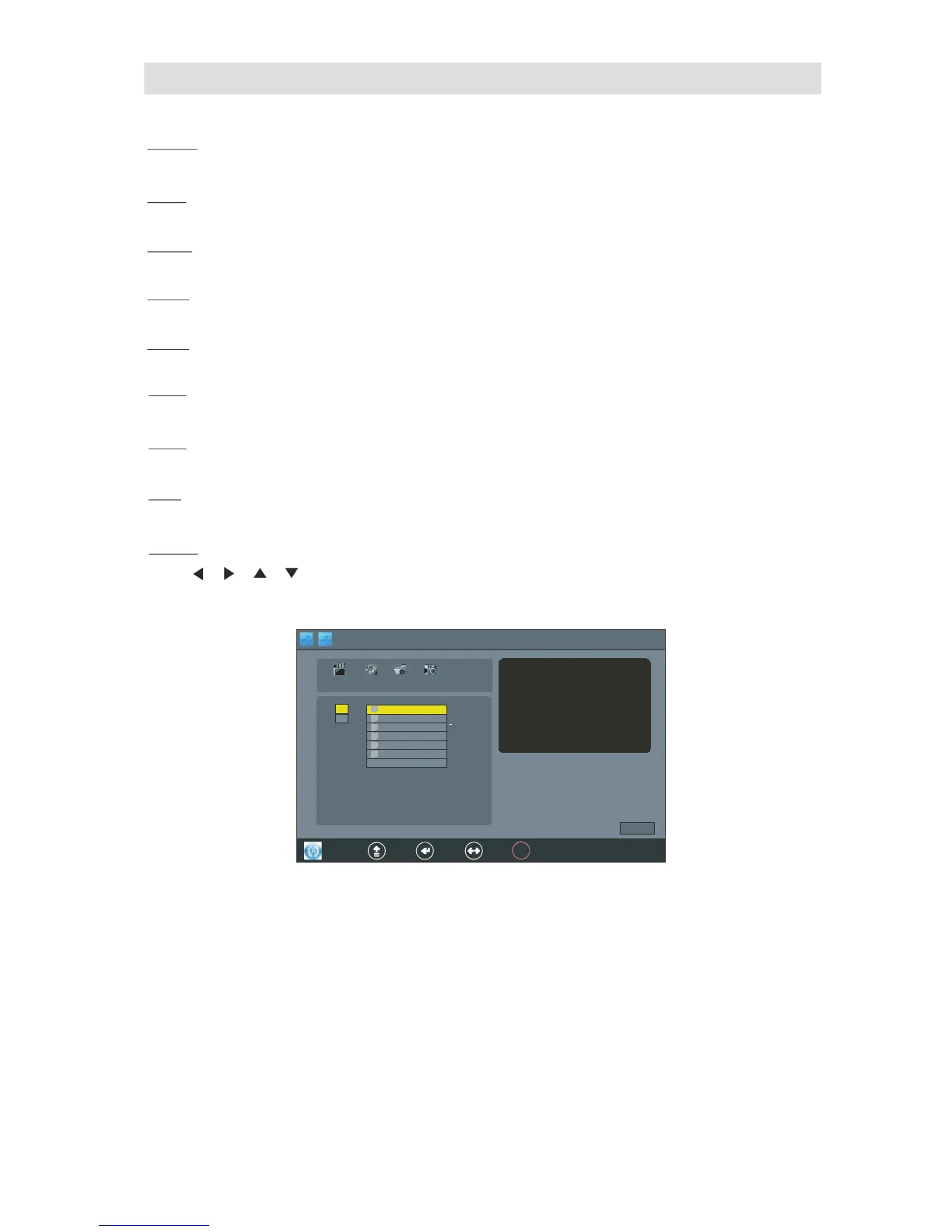
Press , , , bu tton to select the
"MOVIE",Press "OK"button into the"MOVIE"interface.
as foll ow display :



 To Next Page