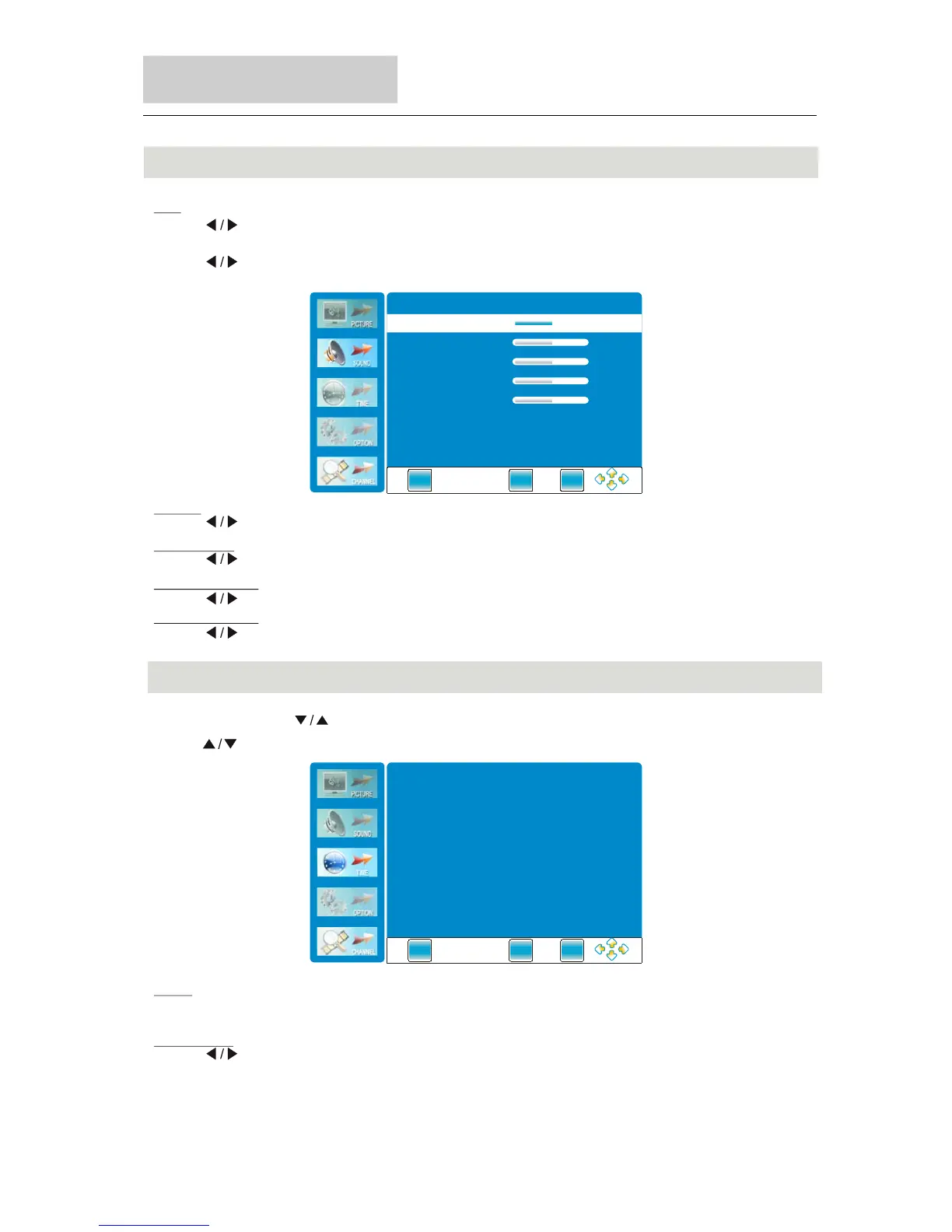
Sound Menu
Menu Operation
38
Press button to change the value.
" "
Balance
Press button to adjust the audio output between left and right speakers.
" "
Auto Volume
Press button to turn on/off the function of auto volume.
" "
Press button to turn on/off the function of surround sound.
" "
Surround Sound
" "
Press button to select PCM, Off, AC3.(Only available in DTV )
" "
SPDIF Output
" "
Press button to POP-UP the submenu, as follow picture to display:
" "
EQ
(Only available in the “USER” sound mode).
Time Menu
Clock
Automatic reads digital television the clock display.
Sleep Timer
Press button to set the sleep timer.
" "
Press "MENU"and " "buttons to select the TIME MENU.
Press .to
" " button select items
EXIT
MENU
ENTE R
EQ 500HZ
EQ 1.2kHZ
EQ 3kHZ
EQ 7.5kHZ
40
40
40
40
EQ 120HZ
40
EXIT
MENU
ENTE R
Clock
Sleep Timer Off
__ __ __ __



 To Next Page