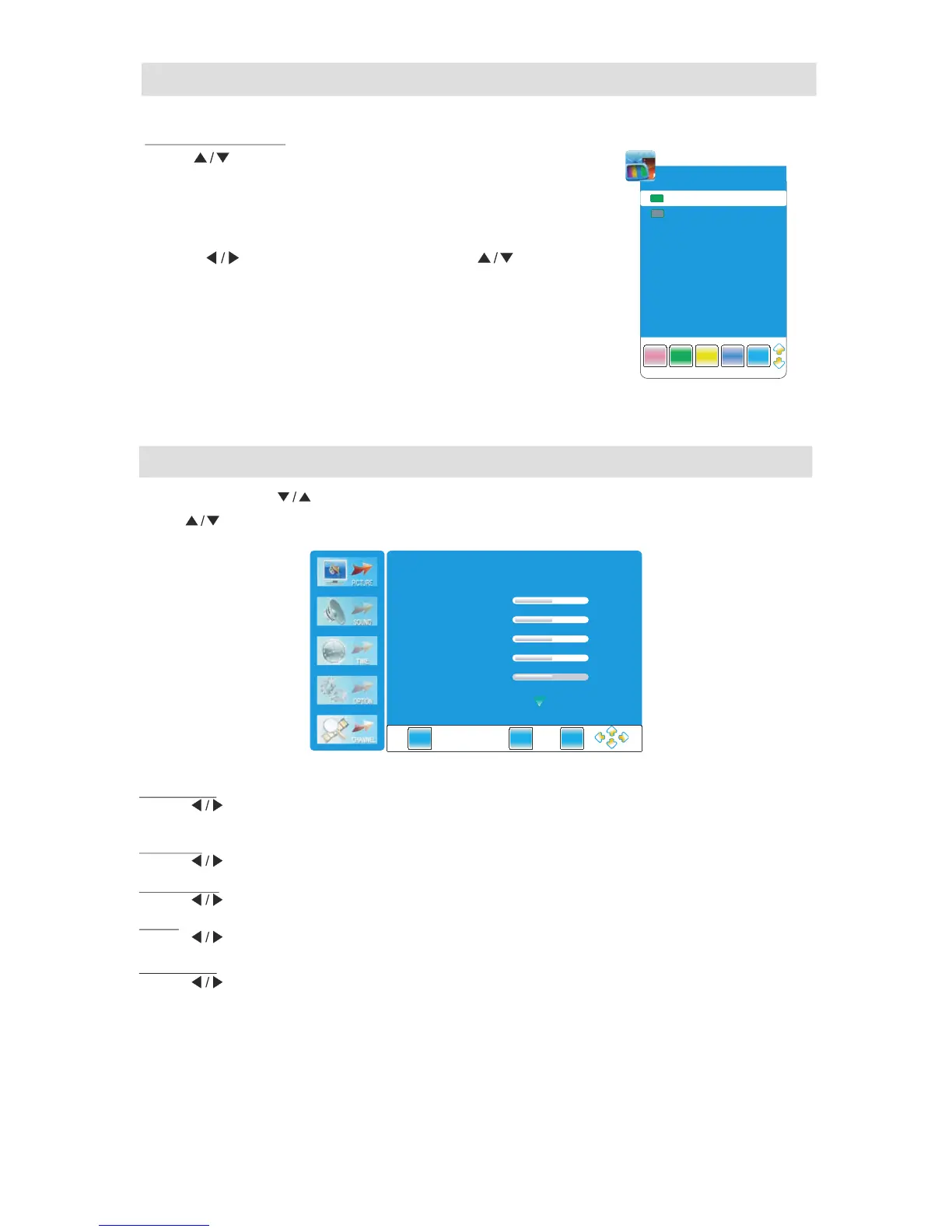
Programme Edit
Press to .
" " button select items
Press red to
.
butt on delete the channel
Press green to .button rename the channel
: .Note Only the TV channel can be renamed
.change the letter
Press yellow to .button move the channel
Press " BLUE" button to skip the channel.
Press" FAV
." to
.
button set the favorite channel
Press " " to select the letter and press" " to
Note The list of programs include TV and DTV.
:
The programs can be moved only among the same kind
.
Channel Menu
Picture Menu
Press "MENU" .and " "buttons to select the PICTURE MENU
Picture Mode
Press button to select among,Standard, mild,user and dynamic modes.
" "
Co n t r as t
Press button to adjust the contrast of the picture
.
" "
Brightness
Press button to adjust the brightness of the picture
.
" "
Co l o r
Press button to adjust the color saturation
.
" "
Sh ar p n es s
Press button to adjust the sharpness level of the picture
.
" "
Press .to
" " button select items
(The function is not available for"STORAGE"mode. )



 To Next Page