1.Press button to select the
"PATH"icon,and pre ss ENTER button to POP-UP the submenu, and
2.Press button to se lect the file,and pre ss ENTER button open the file or select the UP FOLDER
3.Press the button to select the file,and pre ss ENTER button to confirm.
4.Press
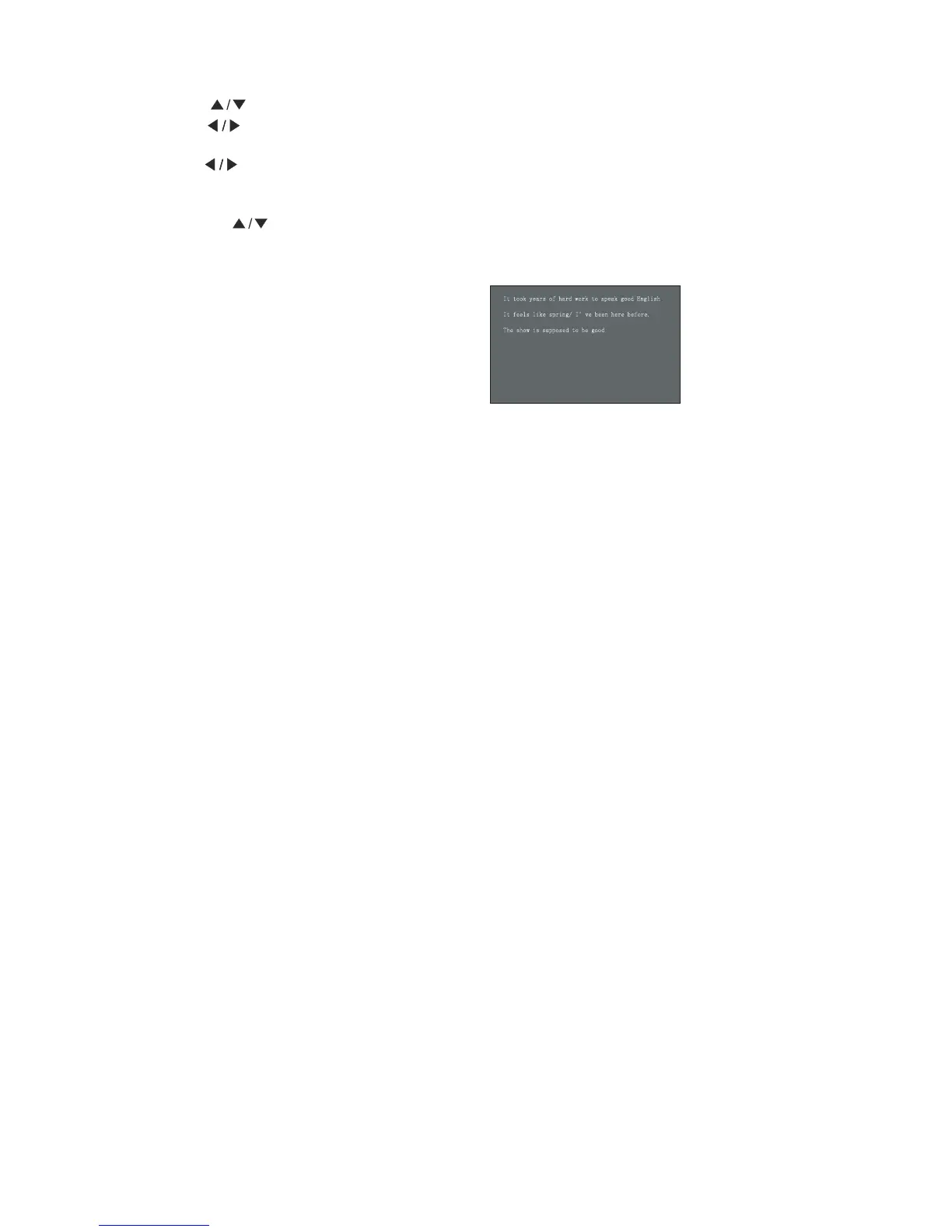
"PLAY"button to op en and play the file,as foll ow display :
5.Press the
"EXIT"button to exit.
Press
"FWD."button to view a next pa ge.
Press
"REV."button to view a pre vi ous page.
Press
"STOP"or"EXIT"button to ret urn .
ico n,an d pre ss ENTER button to return one level the menu.
Press button to select between the
"SELECT"and"UNSELECT"all files.
" "
" "
" "" "
" "" "
46
It took years of hard work to speak good English
It feels like spring/ I’ve been here before.
The show is supposed to be good



 To Next Page