DLKPro Inspection Key • Operating Instructions – Edition 03/2012 34
8 “DownloadTools” PC programme / Configuration module
Options
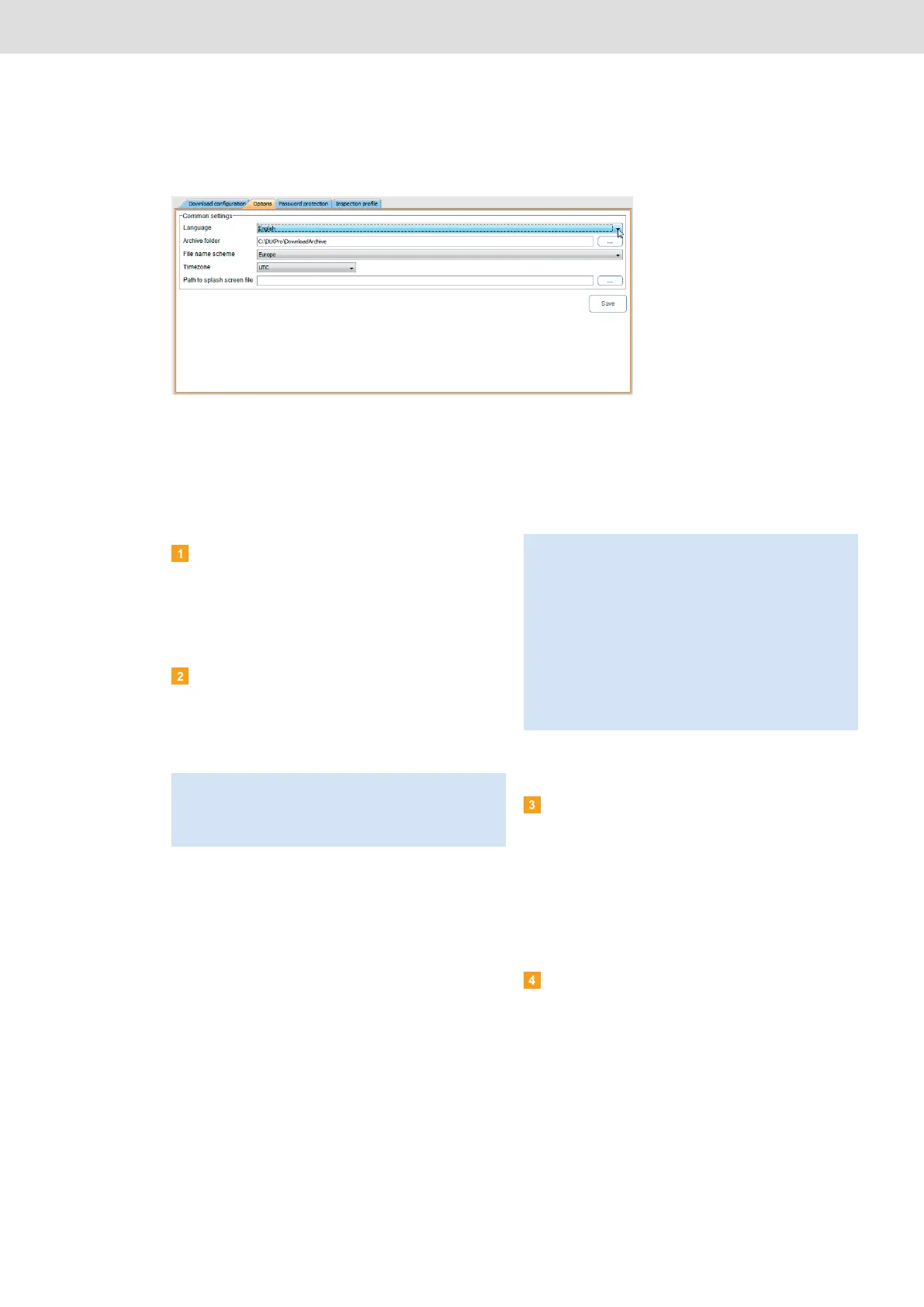
In the Configuration module on the Options tab, you
define, for instance,
• general settings such as the user interface
language.
• the target folder for archiving download files.
Choose the Configuration module and then the
Options tab if you want to modify the configuration
of the DLKPro.
Common settings
Click on
• the Language list to change the user interface
language.
Language changes will not take effect until you
restart the PC programme.
• […] under Archive folder to define a different
target folder for archiving your download files.
• the File name scheme list to change the files’
country-specific ID; see page 41 on file
extensions.
• the Timezone list to change the currently
selected time zone for displaying and evaluating
download files using the PC programme.
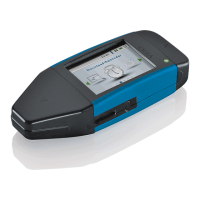
• […] under Splash screen path to change the
DLKPro start screen.
Infringement module options
Clear the
• Print EC Regulation No. 561/2006 check box if
you do not want to include this Regulation’s
provisions in the suspicious event check printout.
• Display 28 days only check box if you don’t
want to limit the suspicious event check to the
last 28 days but you still wish to analyse all the
days for which data is included in the
downloaded file.
Click on [Save] to save the settings.
Note: You must enter an activation code for certain
languages. Please contact your national Continental
Automotive GmbH representative or your service
partner about this.
Note: The image you select for the start screen must
meet the following requirements:
• Image width: 320 pixels
• Image height: 240 pixels
• File format: PNG
• Colour depth: 24 bits
The DLKPro checks the new PNG file during the next
startup procedure. If the file does not fulfil the above
requirements, the new start screen will not be displayed
and the DLKPro continues to show the old start screen.


 To Next Page