u
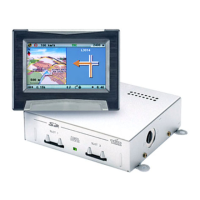
Select “Detour” in the function list and press the OK button.
u
In the subsequent popup menu, select the option “Plan detour”
and press the OK button. The system plans a new route within
seconds.
Concurrent dynamic route guidance
If a traffic station informs the system that the stationary traffic has
dispersed while a detour is active and if automatic mode is not activated a
popup menu will appear on the screen. The user can now re-optimise the
route starting from the car’s current position.
45
NAVIGATION


 To Next Page