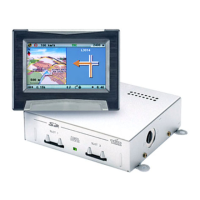
Trip computer
The trip computer is selected by means of the function “Trip computer” in
the Start menu. The integrated trip computer displays the following
information:
•
Current speed: Current speed
•
Avg. speed: Average speed (since reset)
•
Elapsed distance: Route distance (since reset)
•
Elapsed time: Travel time (since reset)
•
Location with geographical longitude and latitude.
The speed display serves only as additional information. Only the
vehicle’s speedometer should be used to determine actual speed. The
function “Reset” is used to reset the data for distance, travel time and
average speed to “0”.
61
USEFUL EXTRAS


 To Next Page