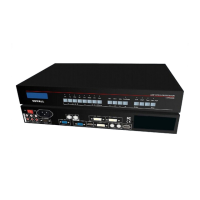
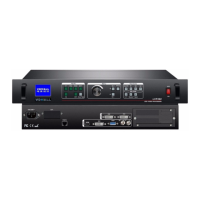
LVP300 LED HD Video Processor
3. Other basic user operation
1
)
Brightness selection(Brt+,Brt-)
LVP300 supports 64 level or 100 level brightness selection. According to“6.5 bright level”
selection
,
adjustment range has two kinds
:
0~64 or 0-100. Factory default is 0-64. To
make sure of full gray scale of output image, it always set as 64 (0-100 default value is 50) !
Reduce LVP300 output brightness,the lowest is 0.
Increase LVP300 output brightness, the highest is 64
or 100.
2)VGA input auto adjustment ( Auto )
When LVP300 is in one key switch status and current valid input signal is VGA,
press Auto button to adjust VGA input signal sampling parameters. Then the VGA
output image can be clear and full.
This operation is normally performed when a new VGA source is connected. Auto
adjustment time is depend on the signal status. Normally it’s less than 1 second.
Sometimes it’s necessary to perform several times until the output image is clear, full
3)Full/ part display(Bypass)
In signal switching status, press Bypass button to switch full and part display.
This function only works when current signal is PC input signal(VGA/ DVI /HDMI ).
Fixed other signals to Full mode.
Full display,the input image is compressed and fully displayed on the led
screen and the indicator is off.
Part display, the input image is not compressed.Only a part of it can be
displayed on the screen and the indicator is on.


 To Next Page