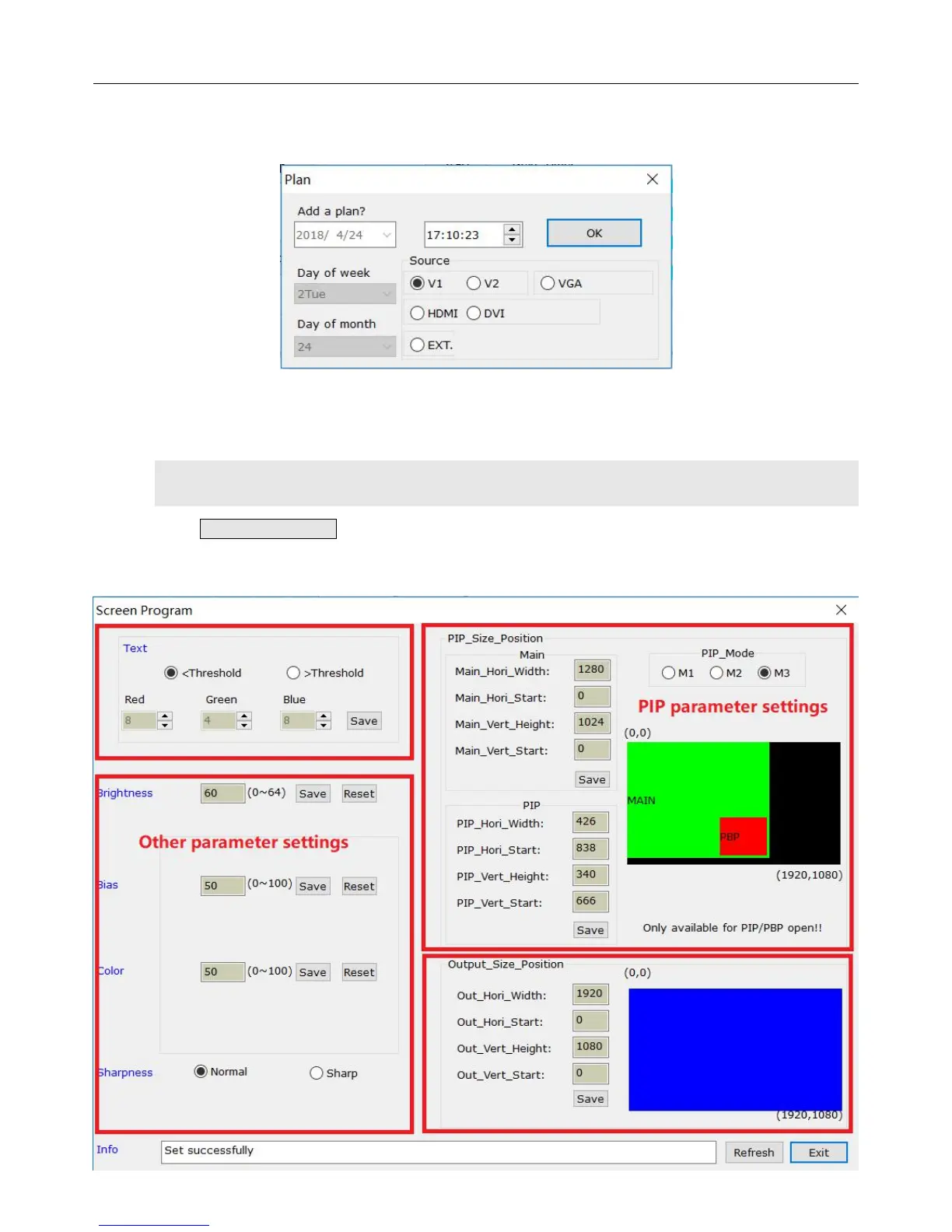
You can add, modify or delete every schedule,the example below shows you how to add
one-off schedule.
Select an added schedule, then you can modify or delete it.
8)Output Parameters Settings
Click Screen Program on the main interface, an interface of output parameter settings will
come out. Users can set output parameters for the processor on the main interface.


 To Next Page