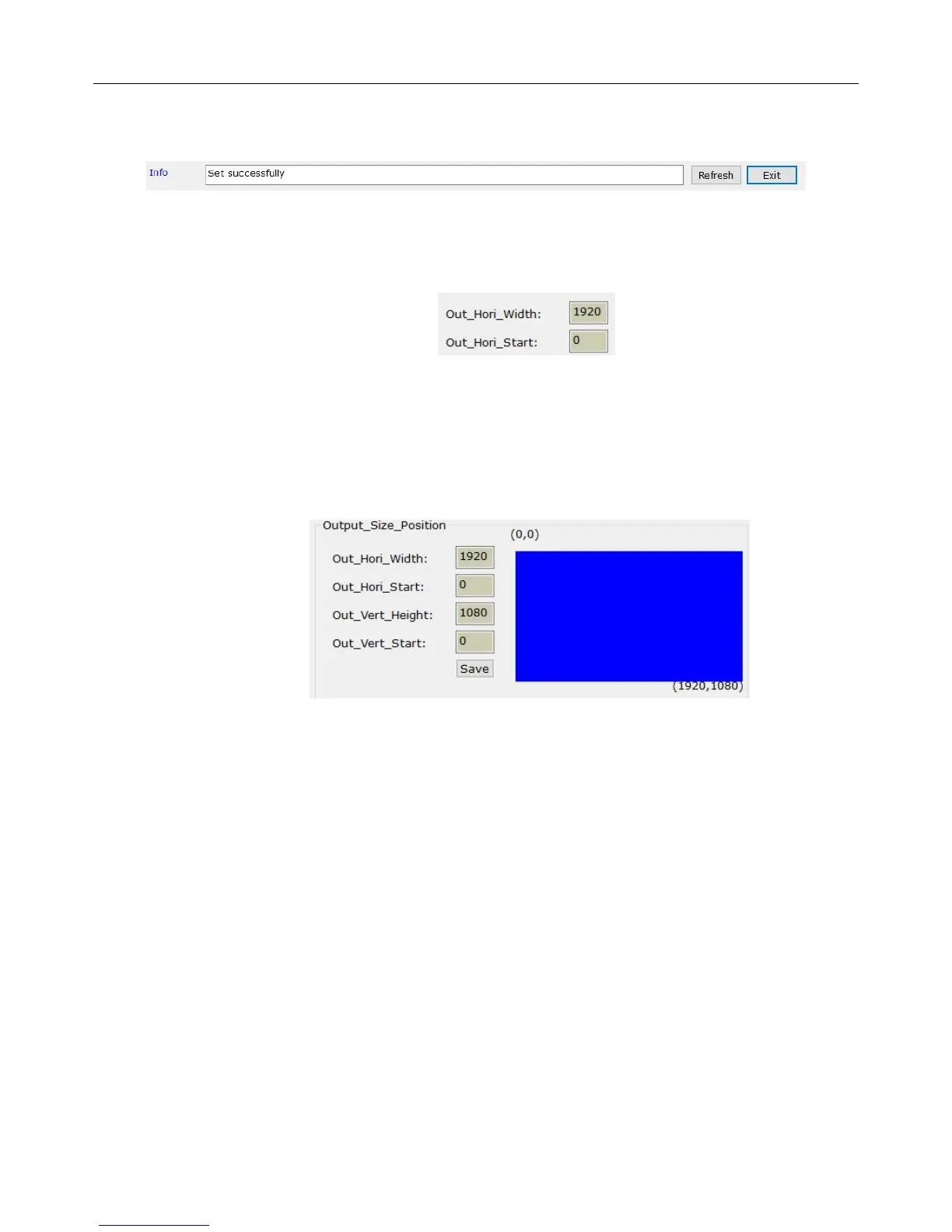
As the picture showed above, the button “refresh” is set there to reread parameters set
before. The info bar is used to indicate Exception information currently.
A background in blue reminds you that you are typing and the value of parameters have not
been saved, while a background in grey means all the parameters have already been saved
successfully.
The interface of output parameters Settings is divided into 4 parts.
① Output window settings
The output window settings are all based on the LED’s resolution.


 To Next Page