Editing/Debugging Tools
Appendix A
H Put the Controller on Hold (single step mode). When the VXM receives the
single character "H" the Hold Flag will be set. With the Hold Flag set, a
"running" program stops before each command and sends a ":" followed by the
listing* of the command to the host. When stopped, the "X", "Y", "Z", and "T"
commands can be used to read motor position. A "G" will start the listed
command and advance to the next. An "H" toggles the flag off and the program
continues as normal. The "K" terminates the program and clears the Hold Flag.
This Command allows single stepping through a program for debugging or as a
program interrupt from the host.
del Delete the last command in current program. This command should only be
used for manual editing of programs with a terminal/ terminal program. Use the
“C” command for complete deletion of commands in a program.
res Reset VXM to power-up state. This is the exact same state when power is
turned off then back on.
# Request the number of the currently selected motor. The VXM will send the
number of last motor run or last command that set a motor value. The value will
be 1 to 4 followed by <cr> (carriage return).
*Revised: Command listing only on VXM firmware versions 1.21 & up
33
32
See Also
lst, X, Y, Z, T, V
Bit
7 6 5 4 3 2 1 0
Decimal
Value
128 64 32 16 8 4 2 1 Decimal
Value
1=high Input
4
Input
3
Input
2
Input
1
Jog
2+
Jog
2-
Jog
1+
Jog
1-
No Inputs
Activated
1 1 1 1 1 1 1 1 255
Input 3
Activated
1 0 1 1 1 1 1 1 191
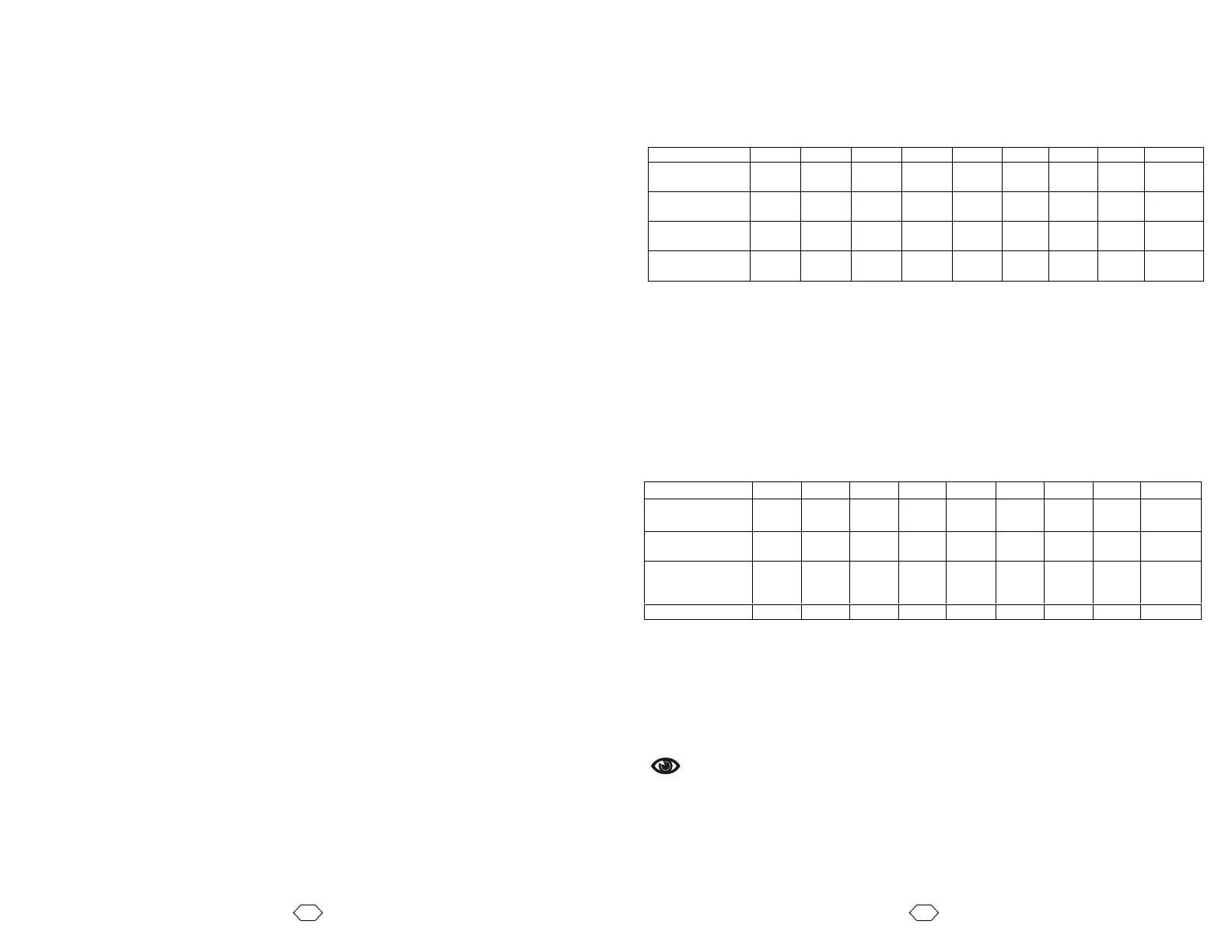
~ Get State of User Inputs, Motor 1 and Motor 2 Jog Inputs. Each input represents
one bit of a binary value. The value the VXM sends is represented in the table
below.
NOTE: In response to this command the VXM sends a single character equal to the
above 8 bit value
? Read State of Limit Inputs. Each input represents one bit of a binary value. The
value the VXM sends is represented in the table below.
NOTE: In response to this command the VXM sends a single character equal to the
above 8 bit value
Bit
7 6 5 4 3 2 1 0
Decimal
Value
128 64 32 16 8 4 2 1 Decimal
Value
1=high Limit
4+
Limit
4-
Limit
3+
Limit
3-
Limit
2+
Limit
2-
Limit
1+
Limit
1-
No Limits
Activated or
Connected
1 1 1 1 1 1 1 1 255
Limit 1+ Low 1 1 1 1 1 1 0 1 253



 To Next Page