25
7. MANAGING THE CHARGER
FROM THE VELTIUM APP
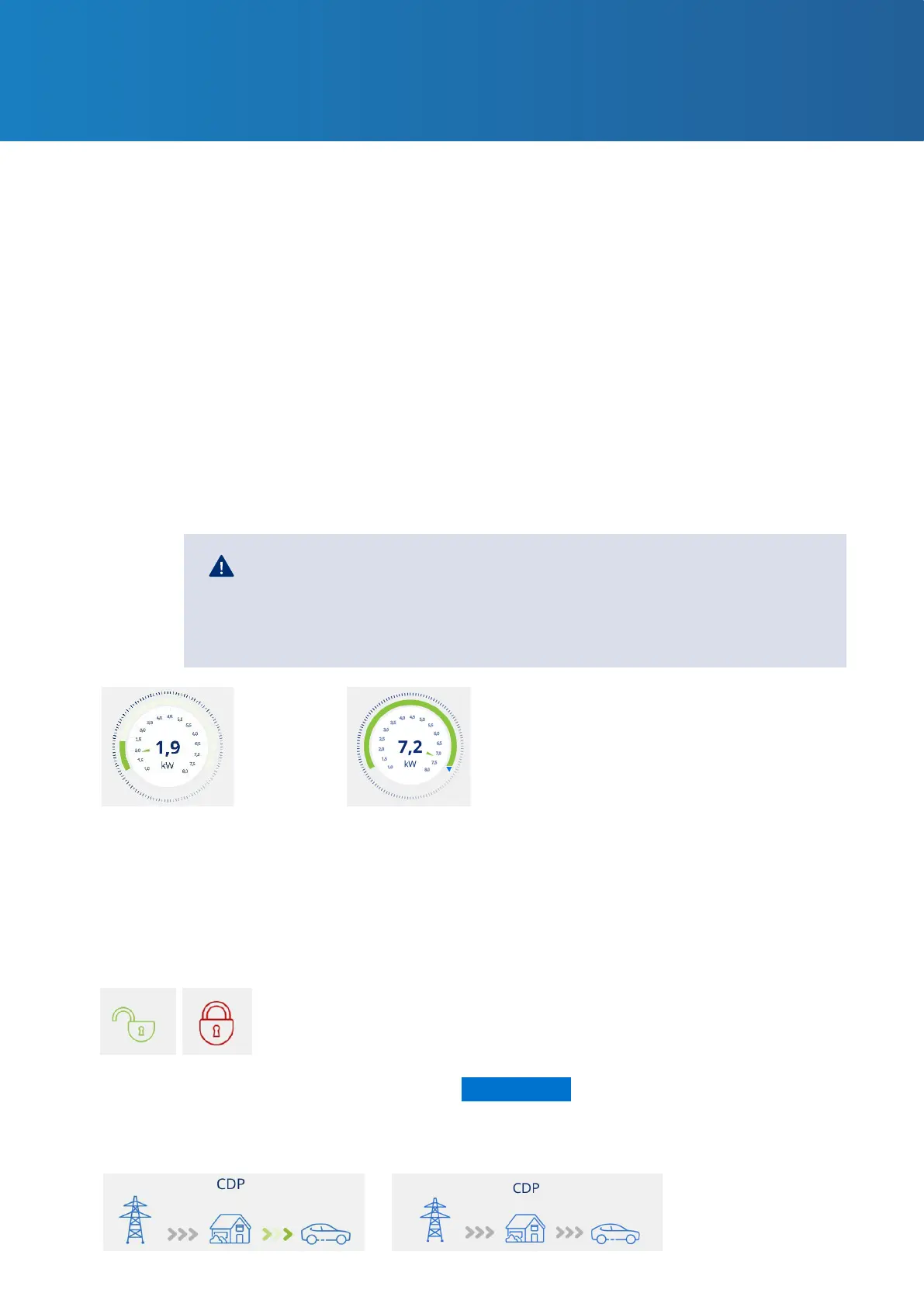
• The dark green border on the outer part of the dial indicates the range of power/intensity
within which you can move the charge selector. This range is:
· Minimum: the minimum power/intensity admitted by electric vehicles, which will
always be 6A.
. Maximum: This value is variable and will be the minimum established by any of these
factors:
· Installation data
· Maximum load intensity of the active schedule
· The contracted power (only when the dynamic power control is enabled)
• The blue pointer on the dark green border is the charge selector that allows you to select
the maximum power/intensity at which the vehicle can be charged.
If the Dynamic power control (CURVE or METER) is enabled in the settings,
the charge control dial disappears and the charger itself will set the
maximum power/intensity at which the vehicle can be charged according
to your home consumption at any given time.
Lock indicator
Dynamic power control indicator
The open (green) or closed (red) padlock icon indicates the charger lock control status, ensuring
that nobody can use your device without your permission. For more information on this feature,
consult the 7.1 SETTINGS section of this USER GUIDE.
If Dynamic power control is enabled in the settings, the following graph will open beneath the
charge control dial.
Only in LITE Uno and
LITE Kubo chargers
*
With dynamic power
control
Without dynamic
power control



 To Next Page