8
Low Power Supply Warning
Two power safety thresholds are built into the VR60 receiver to ensure the setup parameters (which
are stored in memory) are not altered in the event of a slow power failure. A slow power failure
may occur when the 12 volt power supply gradually falls below 10 volts.
The first threshold contains a warning that the power supply voltage is low. The low voltage
warning is indicated with the appearance of an asterisk "*" in the last position of the second line. In
addition to the asterisk, the ENTER COMMAND display will be replaced by:
ENTER COMMAND
(Power is LOW) *
If the power supply voltage continues to decrease, the VR60 receiver will suddenly stop operating
(second threshold). To restart the VR60 receiver, turn the power switch to off, connect a power
supply with a voltage between 10 - 14.5 volts, and turn the power switch to ON.
Operation of Decoded Display
When using the keypad and display to operate the decoder functions of the VR60 receiver, there are
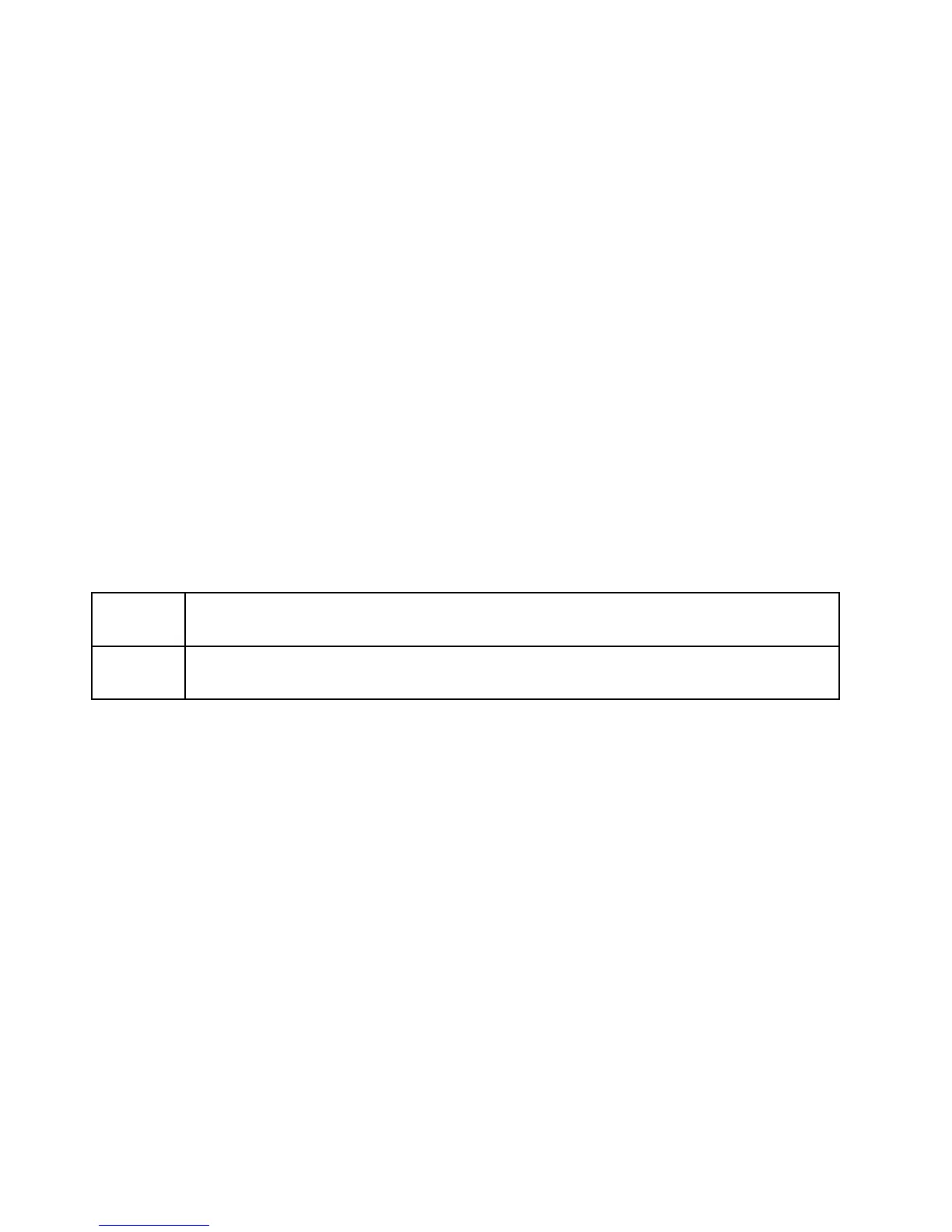
two types of prompts. These prompts are explained in table below:
(Y/N) The prompt shown on the display should be answered with either a YES or NO. Use
the ENTER/YES key for YES and the NEXT/NO key for NO.
? The prompt shown on the display requires a number (input on the keypad), usually
followed with ENTER.
When the receiver is turned on, the display should read:
VR-60 X.XX YY
KEYPAD (Y/N)
where X.XX is the firmware version and YY is the option code (the version and option code
information should be referred to when ordering further software options). To operate in the keypad
mode, select YES on the keypad. The display should read “ENTER COMMAND”. If NO is
selected at the KEYPAD (Y/N) prompt, the decoder is under external control (see External Control
section).
The possible functions at the ENTER COMMAND level are: Decode (see Decode section), Freq
(see Set Frequency section), Setup (see Setup section), and Inspect Memory (see VR60 Memory
section - Option 03B).



 To Next Page