28
A coded telemetry transmitter’s information must be entered in the VR60PC software (see the
Adding Telemetry Data section of the VR60PC Software manual) when the coded frequency setup
is sent to the VR60 receiver. If a coded telemetry transmitter is not setup and it is detected by the
VR60 receiver, the bottom line of the display will show the ID number of the transmitter with the
AtoD data in place of the telemetry data, as shown in the example below.
CH: C 256 SENSOR
ID: 142 AtoD: 183
The AtoD data is the raw received data. The slope and intercept pertaining to that transmitter can
be used to convert the raw data to meters or temperature.
To exit the coded transmitter option, press the ENTER key while the VR60 receiver is in signal
detection mode.
Transmitter Type
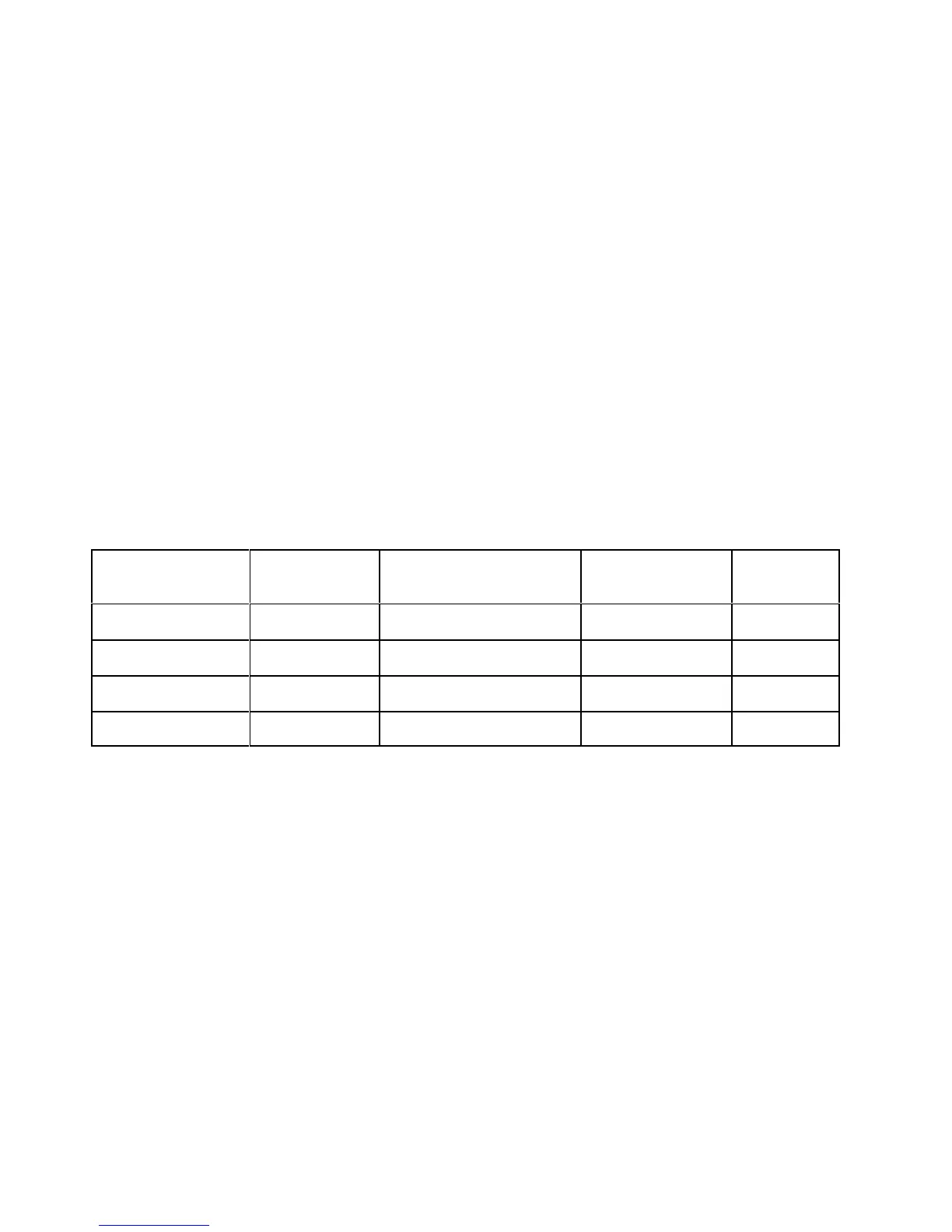
There are four types of coded transmitters available in different sizes. The table below identifies the
names and key features of each code type.
Code Type Name Abbreviation
Number of Available ID
Codes
Number of pulses Telemetry?
256 Pinger R256 256 6 NO
4K Pinger R04K 4096 7 NO
256 Sensor S256 256 8 YES
64K Pinger R64K 65536 8 NO



 To Next Page