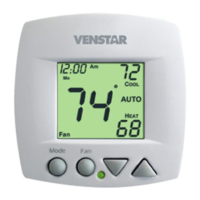
About Advanced Features & Operation
EMERGENCY HEAT - Only available if you have a heat pump
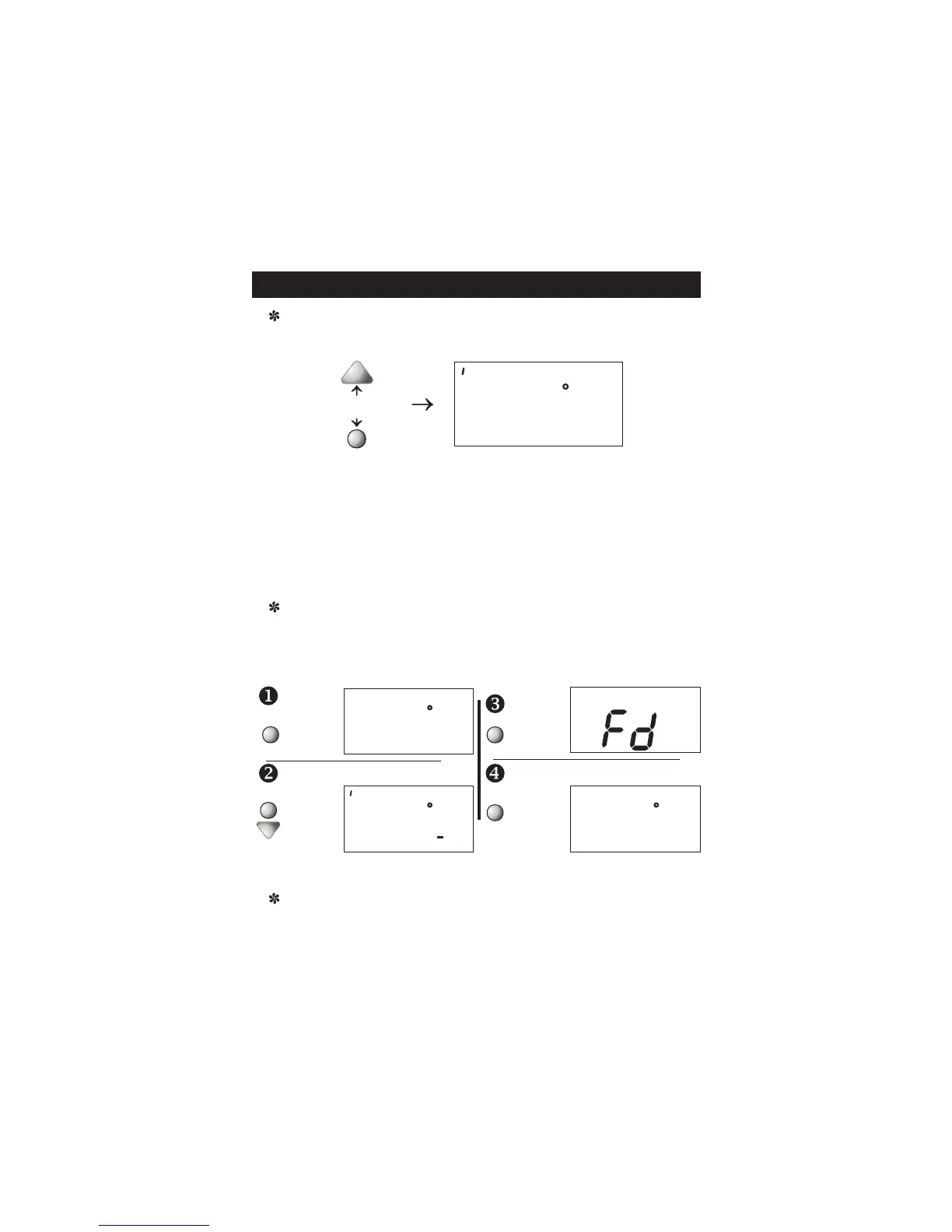
installed. To initiate the Emergency Heat feature, press the FAN
button. While holding the FAN button press the UP button.
Operation - During Emergency Heat operation the thermostat will turn on
the fan and the 2nd stage of heat when there is a demand for heat. Also
during Emergency Heat, the 1st stage of heating or cooling will be
unavailable.
Exit Emergency Heat - Follow the same steps as entering Emergency Heat
by pressing the FAN and UP buttons. During Emergency Heat, only OFF
and HEAT modes are available by pressing the MODE/NEXT button.
Press for
Emergency Heat
FAN
12:00
73
72
Am
:
HEAT
WARNING: This will reset all Time Period and Advanced Programming to
the default settings. Any information entered prior to this reset will be
permanently lost.
FACTORY DEFAULTS -
settings back to the factory default settings, follow the instructions below.
If, for any reason, you desire to return all the stored
Place the
thermostat
in the OFF
mode.
Press button.
While holding the MODE/NEXT button,
press and
hold the
DOWN butt-
on for 5 sec-
onds. All of
the icons will
appear on
the display.
and hold the MODE/NEXT
After all of the icons appear, release the
MODE/NEXT
and DOWN
buttons then
press and
hold the FAN
button for 5
seconds.
After the letters Fd appear on the display
(Factory Default), release the FAN button.
Press the
MODE/NEXT
button twice
to return to
normal
operation.
FAN
MODE/
NEXT
MEMORY BACKUP - In the event of a power loss, the thermostat will retain
the stored program settings without external power or batteries.
12:00
88
I88
88
OFF
Am
Pm
:
ON
FAN
WAKE
SLEEP
OUT
SIDE
COOL
HEAT
I2 00
72
OFF
Pm
:
MODE/
NEXT
I2 00
72
OFF
Pm
:
Page 14
MODE/
NEXT



 To Next Page