Power 7 Technology Corporation – Wi-Fi SD/USB Users Manuals v1.0
10
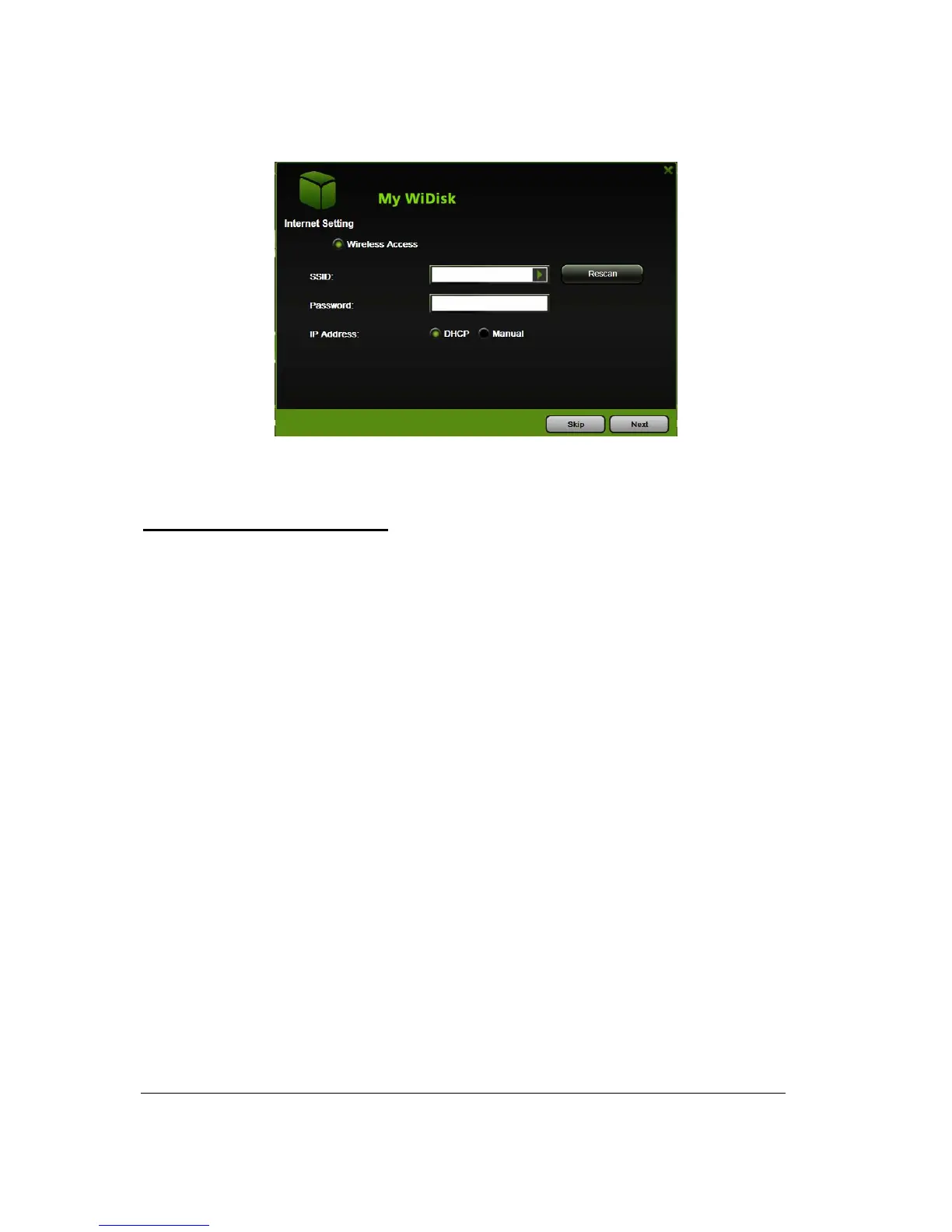
Wireless Access. Connecting the Wi-Fi SD/USB to another wireless device to have the
internet access.
Selecting the Wireless Access
1. SSID. Enter the SSID name or click on the “Rescan” button to automatically search for the
available wireless network connections.
2. Password. Enter the correct password to join the wireless network connection selected.
3. IP Address. Select either DHCP or Manually assign an IP address
a. By selecting DHCP, the host will provide an IP address automatically to connect to the
internet
b. By selecting Manual, you have to manually assign an IP address to connect to the
internet



 To Next Page