Power 7 Technology Corporation – Wi-Fi SD/USB Users Manuals v1.0
13
9. Using Mobile Devices
9.1. iOS Client App Installation
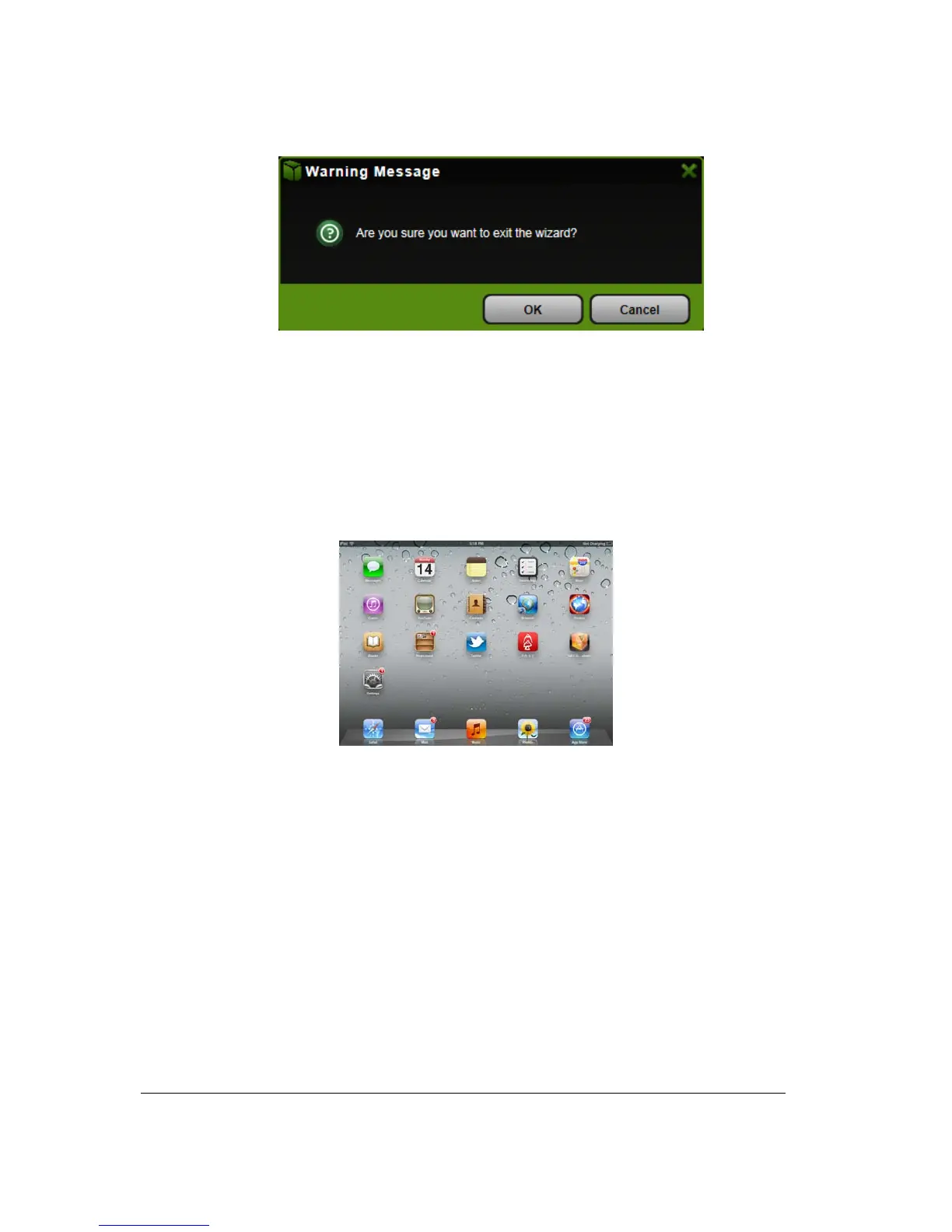
1. Click on the “App Store” icon on the iOS device as seen on the image below. Search and locate
the free “AirStor” app and follow the on-screen installation instructions.
2. Once the installation process has been completed, the “AirStor” app can be found on the desktop
as seen on the image below.



 To Next Page