Power 7 Technology Corporation – Wi-Fi SD/USB Users Manuals v1.0
18
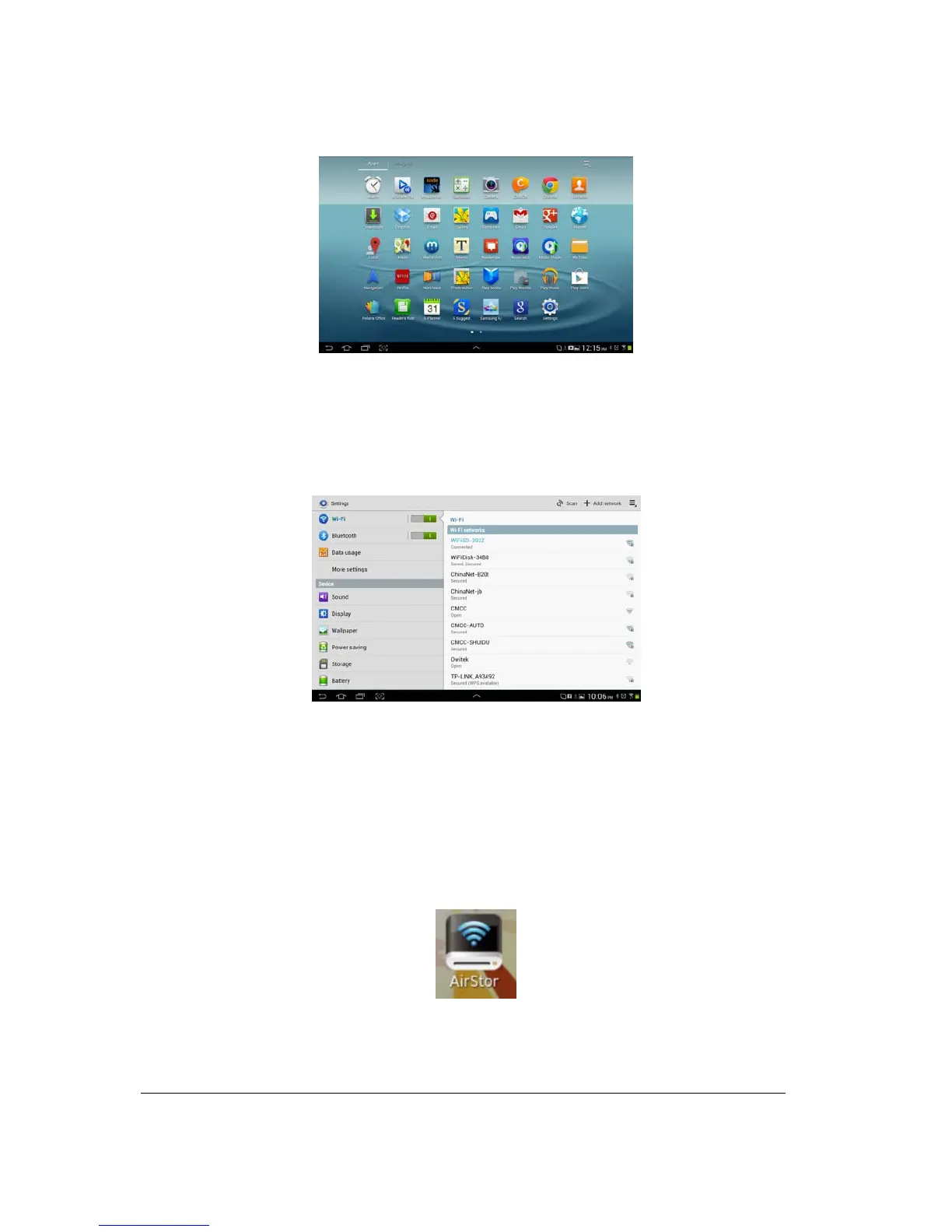
3. Switch the Wi-Fi to ON position. Inside the Wi-Fi networks, the “WiFiSD-XXXX” should
appear on the list. Click on the “WiFiSD-3932” as seen on the image below. The “3932” part
of the SSID is the last 4 digits of the device MAC Address. Enter the default password (11111111)
and click on the “Connect” button.
4. The word “Connected” will appear under the SSID name of which is an indication that the
Android Device is connected to the Wi-Fi SD/USB.
9.6. Android User Login
1. Click on the “AirStor” icon to launch the app as seen on the image below.
2. Enter the Admin password that you assigned during the configuration process. The
password is only required during the first login. The device remembers the password and there is



 To Next Page