Power 7 Technology Corporation – Wi-Fi SD/USB Users Manuals v1.0
6
Internet LED:
Blue Color: Good signal
No LED: No connection established
SD Read/Write LED:
Blue Color:
Flashing: Reading/Writing Data
Steady Light: Initialization process completed
Ready to use
6. Storage Installation
6.1 SD Memory Card
Note: Do not touch the exposed connectors on your SD memory card.
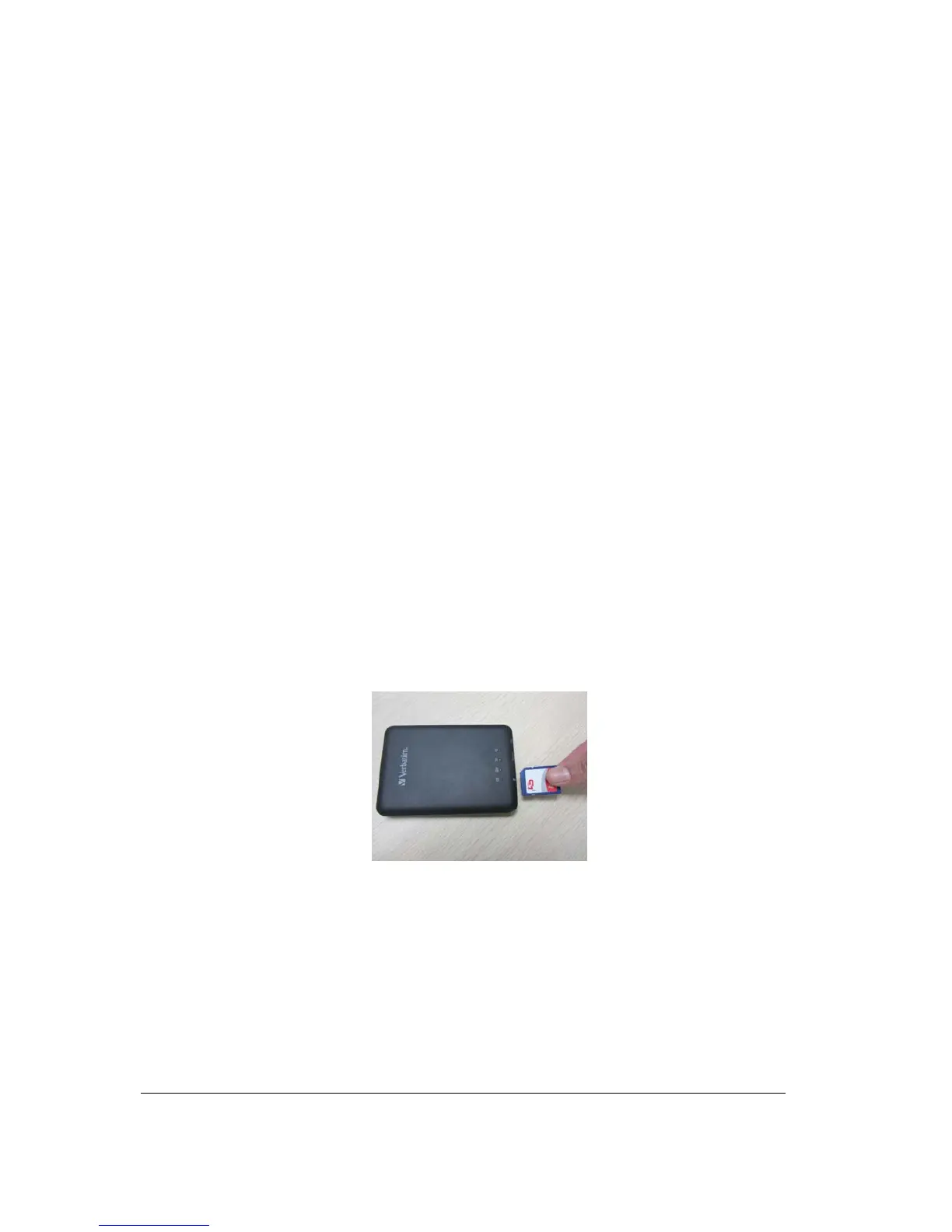
Installing the SD memory card is very simple. Locate the SD memory card slot. Simply insert the
memory card as seen on the image below. Gently push the memory card all the way in until it locks into
its place.
Press the power button to switch on the device. Wait for few seconds to complete the initialization
process and your SD memory card is ready to use.
6.2 USB External Storage
Locate the USB port on the device. Simply insert the any USB Mass Storage device including Flash
Drives, External Hard Drive and card readers into the USB port of the device as seen the image below.



 To Next Page