Power 7 Technology Corporation – Wi-Fi SD/USB Users Manuals v1.0
19
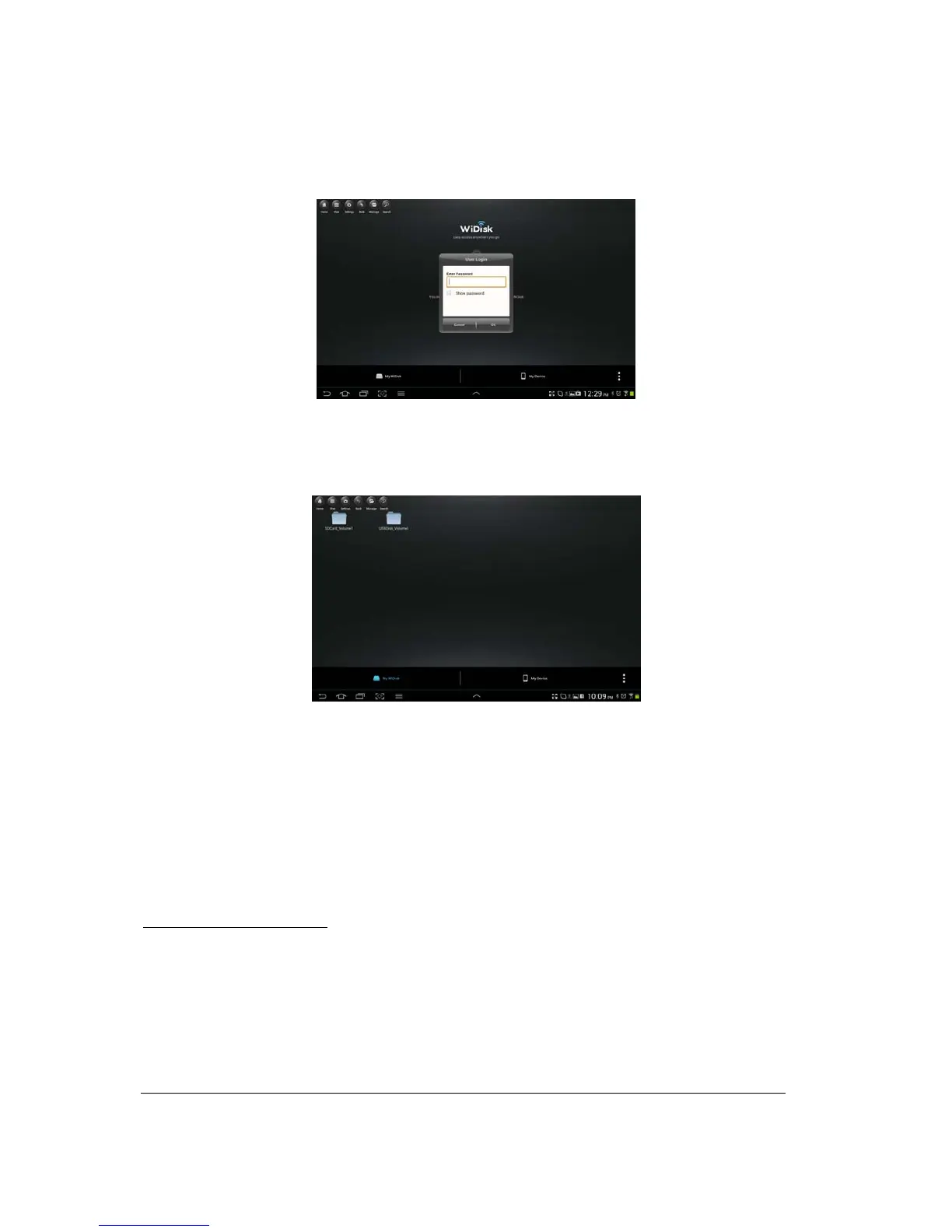
no need to enter it again the second time you login.
3. Once the password has been entered correctly, you will be automatically connected into the
“My WiDisk”. The “My WiDisk” is the Wi-Fi SD/USB Storage.
As seen on the screenshot above, the SD Memory Card and the USB Flash Disk are both mounted on the desktop.
10. Basic Functionality
10.1. iOS Device Client
Once you have successfully connected to the Wi-Fi SD/USB, by default, you will be inside the “My WiDisk”.
The “My WiDisk” is the Wi-Fi SD/USB and the “My Device” is the device that you are using to access the
Wi-Fi SD/USB. Few buttons that can be found inside the Main Screen as listed below.
My Device Main Screen View
– By default, the Documents folder, Music folder, Photos Folder, Videos
folders and iPad (or iPhone) folder are available to easily organize your files inside the My Device.



 To Next Page