Power 7 Technology Corporation – Wi-Fi SD/USB Users Manuals v1.0
48
Refresh button - to refresh the display
Upload button - to upload file or files into a specific folder.
Create Folder - to create a new folder. Maximum folder name is 26 characters in length.
Copy button - to copy file or files and paste them into another folder.
Move button - to move a file or files from one location to another
Download button - to download a file or files into a specific location. If the software installed
on your computer supports a specific file type, this file will automatically open otherwise, it will ask you
to download the file into a specific location. Downloading a folder or folders is currently not supported.
Delete button - to delete a file or files.
Renaming button - to make name modification or changing the file name.
Photo View button- to view images
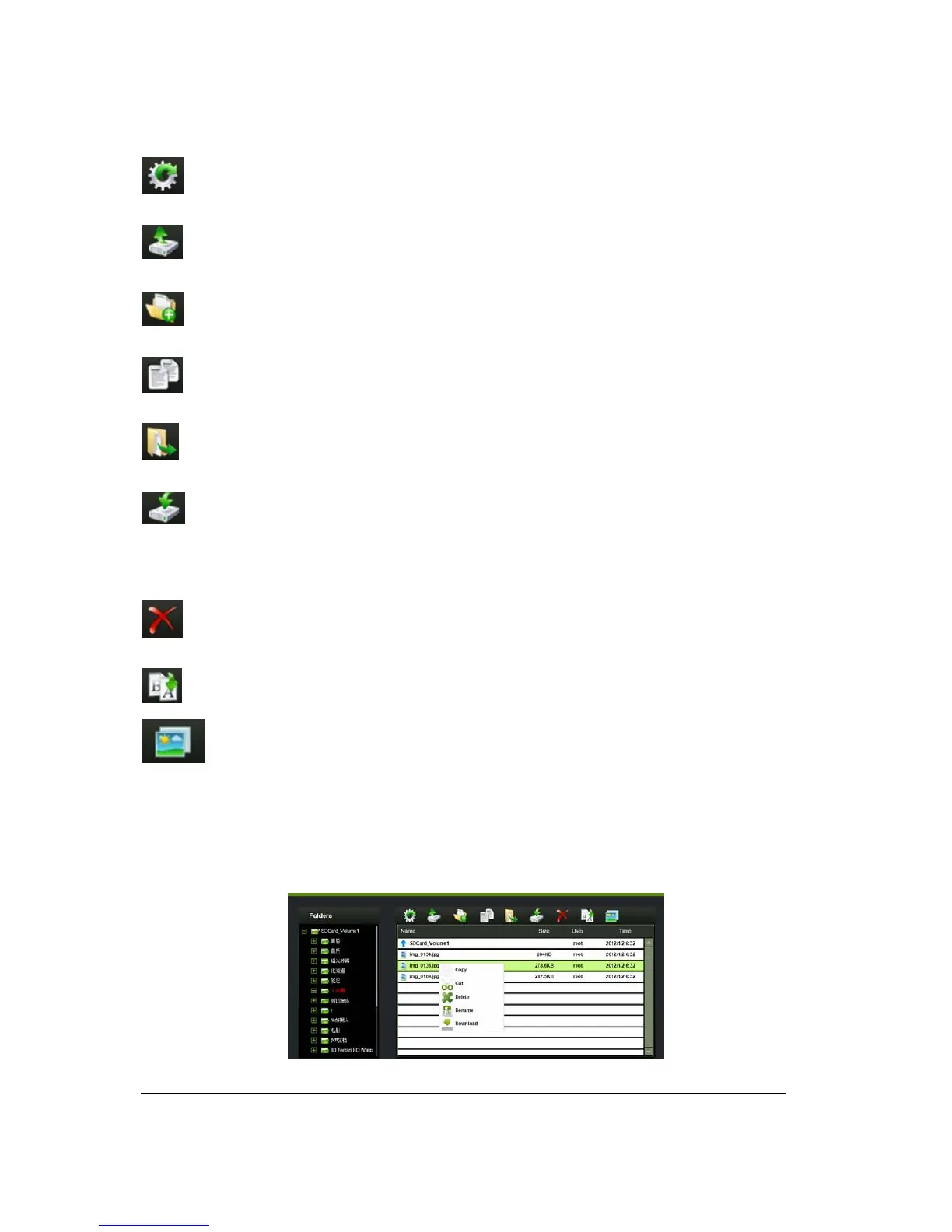
11.2. Context Menu
1. On the file level, you can right-click using your mouse and a pop-menu will appear. You
may Copy, Cut, Delete, Rename or Download as seen on the screenshot below.



 To Next Page