Power 7 Technology Corporation – Wi-Fi SD/USB Users Manuals v1.0
53
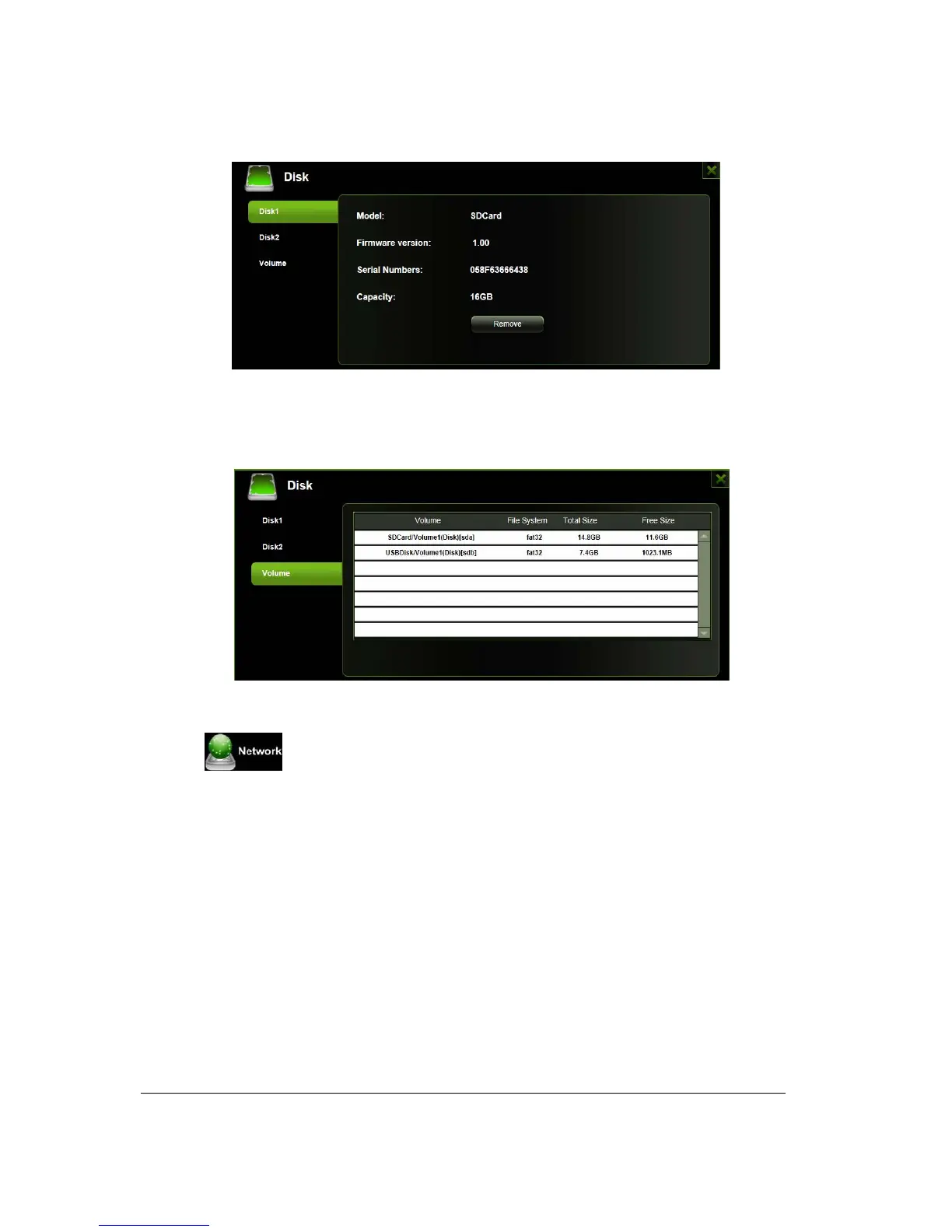
As seen on the screenshot below, the Volume screen provides information regarding the File System used
to format the internal hard disk drive, total and available capacity.
,
Click on the “X” to exit.
11.7. Network Settings
11.7.1 Hostname
The Host Name is a name that is assigned to certain device that is connected to a computer network.
The Host Name can be modified to whatever name that will fit your needs. It must begin with a letter and
followed by a combination of letters and numbers. The Host Name must be at least 2 characters up to
maximum 8 characters in length.



 To Next Page