Power 7 Technology Corporation – Wi-Fi SD/USB Users Manuals v1.0
7
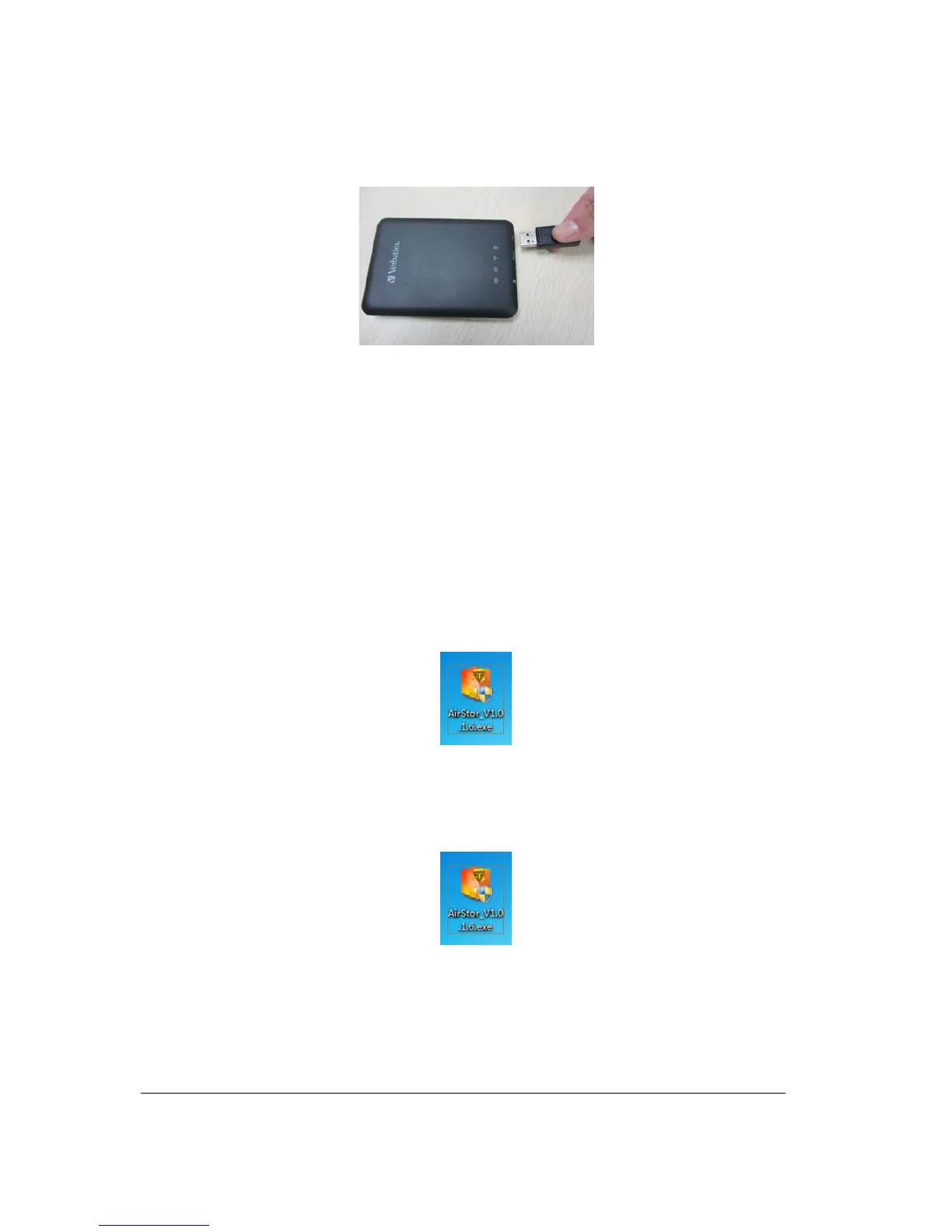
Press the power button to switch on the device. Wait for few seconds to complete the initialization
process and your USB external storage is ready to use.
7. PC Client Software Installation
Our included Client Utility software is the only software that you will need to copy on your computer. This
software utility allows you to easily search and look for your Wi-Fi SD/USB that is connected from your
home network.
1. Copy the “AirStor” executable file on your PC and follow the on-screen instructions.
2. Once the copy is complete, double-click on the “AirStor” icon on your desktop to launch the
software utility.
8. Using Personal Computer



 To Next Page