Power 7 Technology Corporation – Wi-Fi SD/USB Users Manuals v1.0
21
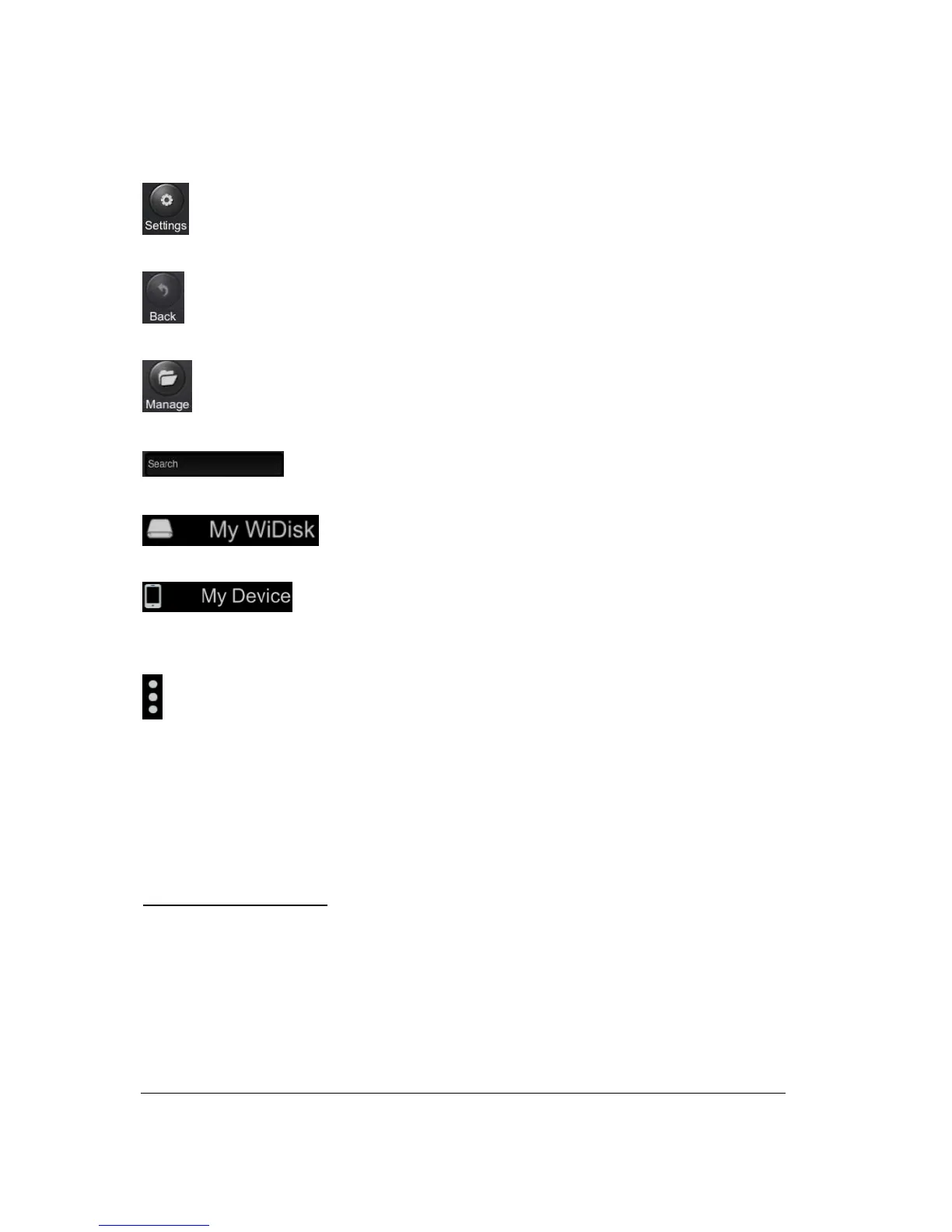
Setting Button – change the Wi-Fi SD/USB configuration.
Back Button – back to previous screen
File Manager Button – to share, copy, delete, download, upload file functions
Search Box – to search for specific file name and/or file extension.
My WiDisk – the Wi-Fi SD/USB or the Remote Storage.
My Device – the device that you are using to access the Wi-Fi SD/USB or the
Local Storage
More Button – to view the About, Now playing and the File Transfer status.
10.2. Android Device Client
Once you have successfully connected to the Wi-Fi SD/USB, by default, you will be inside the “My WiDisk”.
The “My WiDisk” is the Wi-Fi SD/USB and the “My Device” is the device that you are using to access the
Wi-Fi SD/USB. Few buttons that can be found inside the Main Screen as listed below.
My Device Main Screen View
– By default, the Documents folder, Music folder, Photos Folder, Videos
folders and SDCard folder are available to easily organize your files inside the My Device.



 To Next Page