Power 7 Technology Corporation – Wi-Fi SD/USB Users Manuals v1.0
22
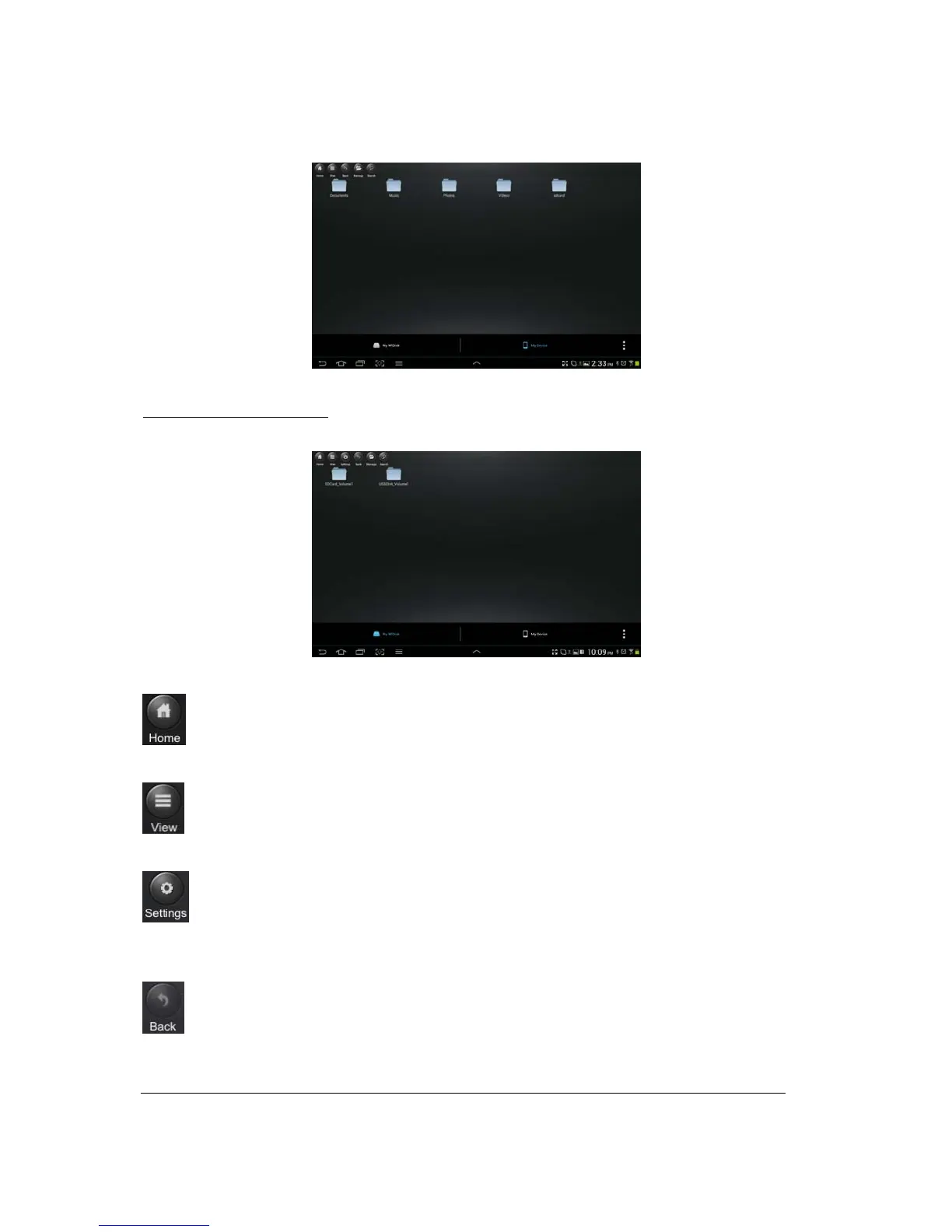
My WiDisk Main Screen View
- the WiFiSD_Volume1 and USBDisk_Volume1 can be seen on the desktop.
Home Button – back to the main screen.
View Button - change to List or Thumbnail view.
Setting Button – change the Wi-Fi SD/USB configuration. This button is only active when switched
to the “My WiDisk”.
Back Button – back to previous screen



 To Next Page