Power 7 Technology Corporation – Wi-Fi SD/USB Users Manuals v1.0
40
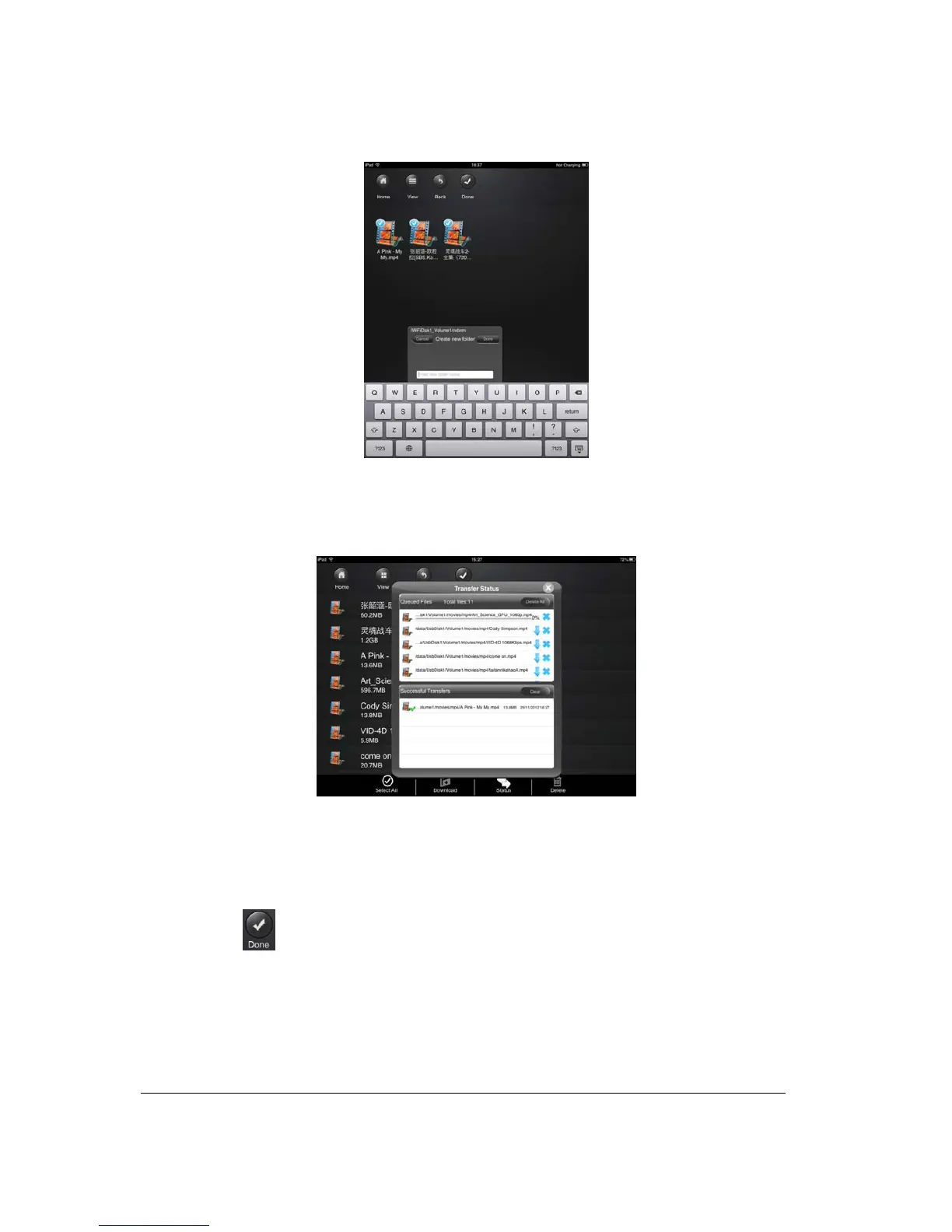
5. Click on the “Confirm” button to start copying/transferring files as seen on the screenshot
below.
Note: Successfully copied/transferred file or files will be listed below inside the “Recent” window
as seen on the screenshot above. Click on the “Clear” button to remove or clear the list.
6. Click anywhere on the screen and you will return to the previous screen. Once done, click
on the
to exit.
10.14. Copying/transferring file to My WiDisk (iOS and Android)
Note: Make sure you switch to the “My Device”.



 To Next Page