Power 7 Technology Corporation – Wi-Fi SD/USB Users Manuals v1.0
41
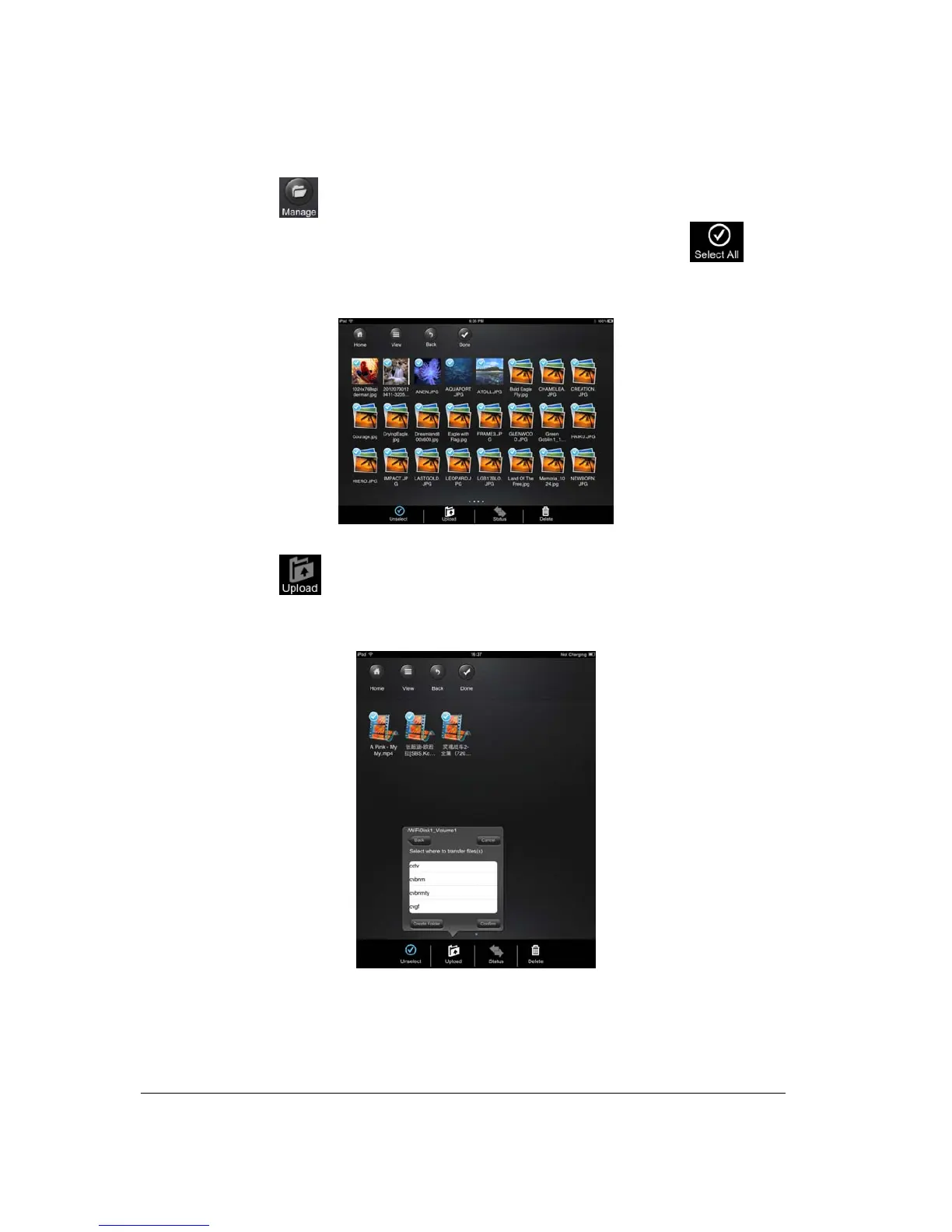
1. Click on the button.
2. Use your index finger to select a single or multiple files or you may use the button to
select all files to be copied/transferred.
3. Click on the
button.
4. Select and click the folder where you want the file or files to be copied or transferred.
• A new folder may be created to copy/transfer the selected file or files. To create a new folder,
simply click on the “Create Folder” button. Enter the new folder name inside the box and
click the “Create” button as seen on the screenshot below. The folder name must be at least 2



 To Next Page