Power 7 Technology Corporation – Wi-Fi SD/USB Users Manuals v1.0
42
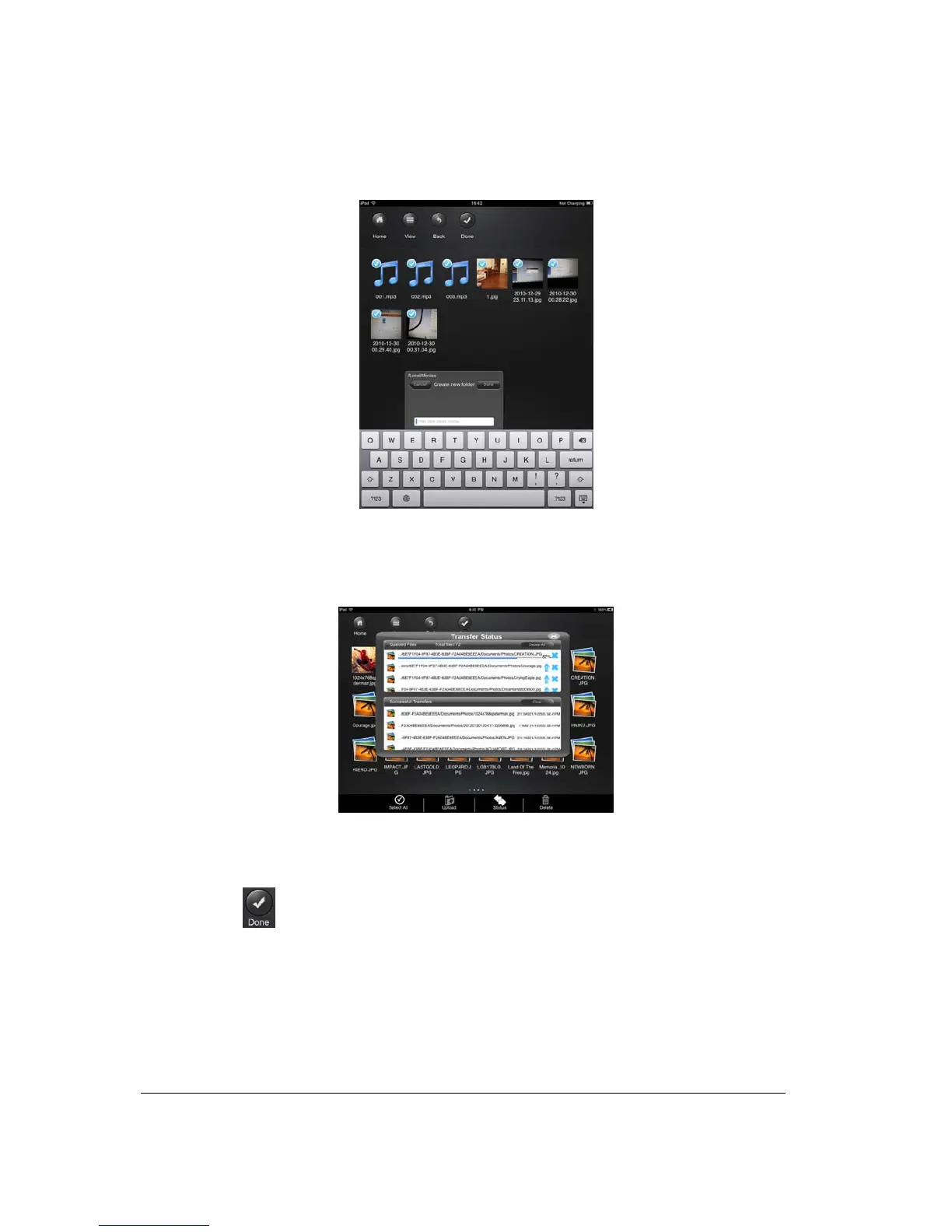
characters and up to maximum of 26 characters in length. Click the “Cancel” button to exit.
5. Click on the “Select” button to start copying/transferring files as seen on the screenshot below
into the “My WiDisk”.
6. Click anywhere on the screen and you will return to the previous screen. Once done, click
on the
to exit.
10.15. Deleting/erasing a single or multiple files (iOS and Android)
A single or multiple files can be easily deleted/erased whether you are in “My Device” or in “My
WiDisk”



 To Next Page