Power 7 Technology Corporation – Wi-Fi SD/USB Users Manuals v1.0
8
8.1. Connecting Wirelessly to PC
Switch-on the Wi-Fi SD/USB by pressing the power button at the front panel. Wait for few minutes until
the Wireless LED remain lit. Enable the Wi-Fi feature on your PC and open the Wireless Network
Connection. Select the WiFiSD-XXXX wireless connection (default wireless SSID: WiFiSD-XXXX) and
enter the default password as 11111111. Once you have successfully connected to your Wi-Fi SD/USB,
you may now run the “AirStor” to search for your device and complete the configuration process.
8.2. PC Client Login Utility
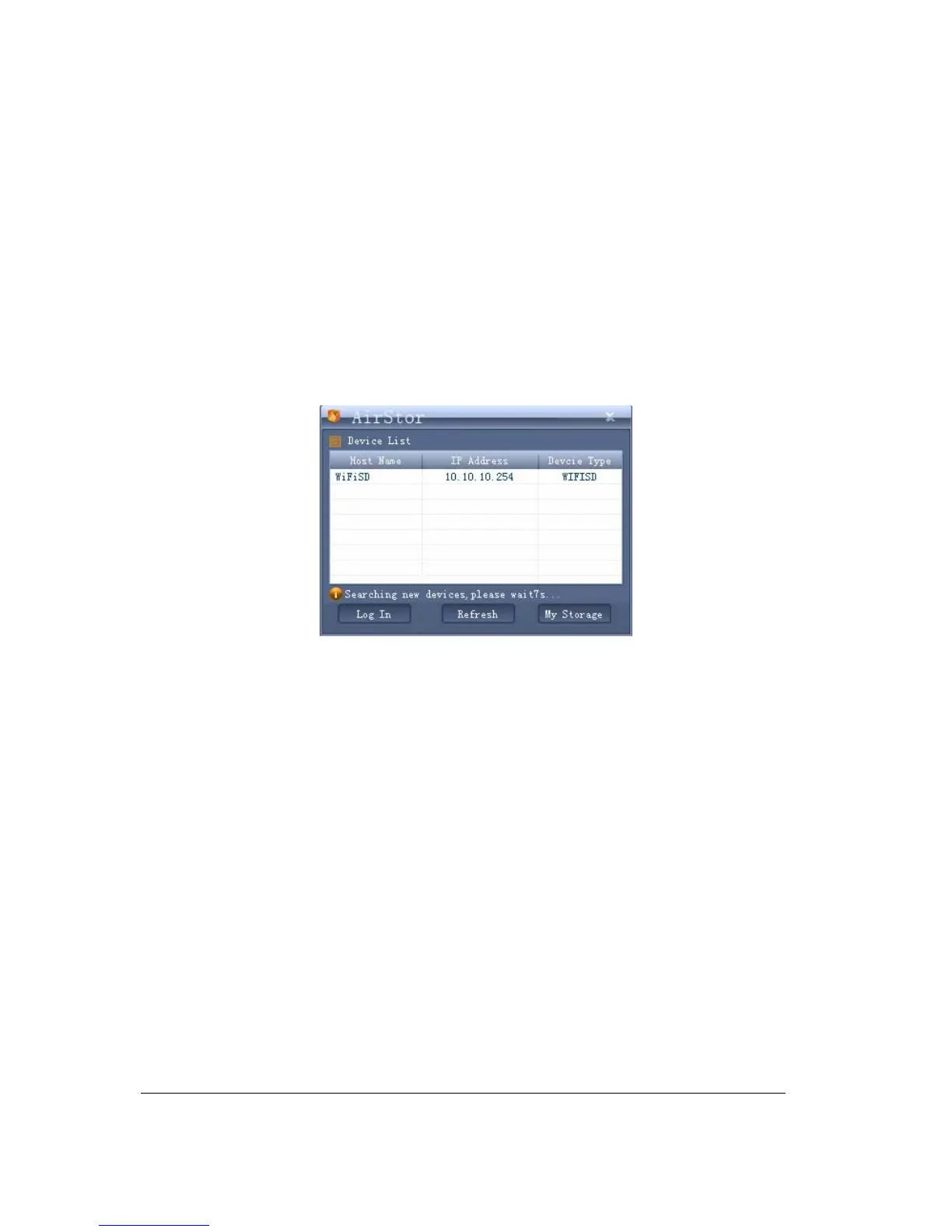
Double-click the “AirStor” icon on your desktop. The software utility will search all the connected devices in
your network as seen on the screenshot below.
If you do not find the WiFiSD on the list of devices connected in your network, click on the “Refresh” button
to refresh the device list.
Select the WiFiSD on the list, then click on the “Log In” button to enter the web interface as seen on the
image below.



 To Next Page