Power 7 Technology Corporation – Wi-Fi SD/USB Users Manuals v1.0
12
H) Password: The default password is set to 11111111.
I) IP Address: The default IP address is set to 10.10.10.254 with subnet mask of
255.255.255.0. The IP address can be changed.
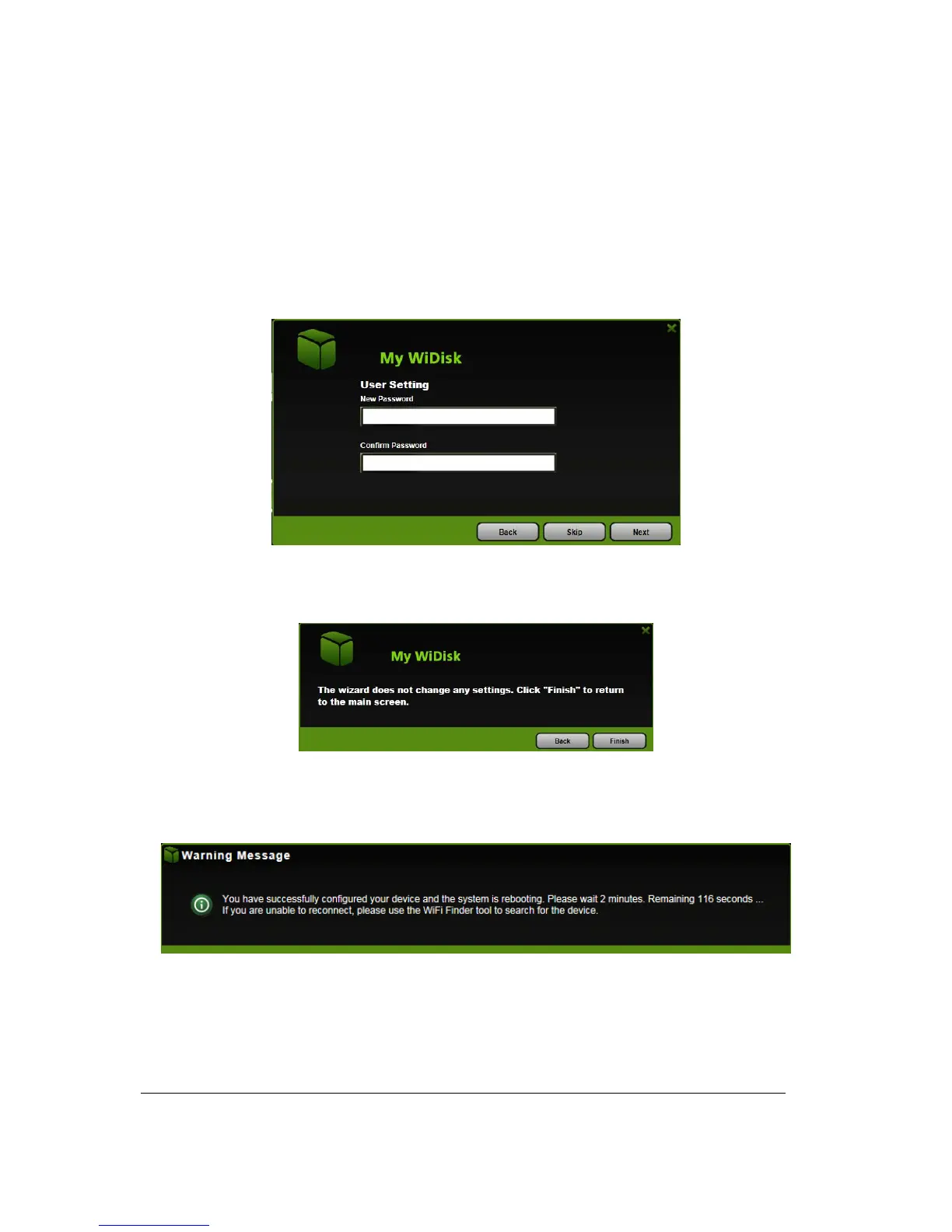
4. Click on the “Next” button. The next step is to change the admin default password. Click on the
“Next” button once the password has been modified. You may click on the “Skip” button to keep the
default password.
5. Click on the “Finish” button to complete and save the changes made.
The system will start rebooting. This process will take approximately 5 minutes as seen on the
image below.
The step-by-step wizard can be canceled at anytime. Click on the “X” located at the top right of
the window as seen on the image below. Click on the “OK” button to exit or “Cancel”.



 To Next Page