Power 7 Technology Corporation – Wi-Fi SD/USB Users Manuals v1.0
28
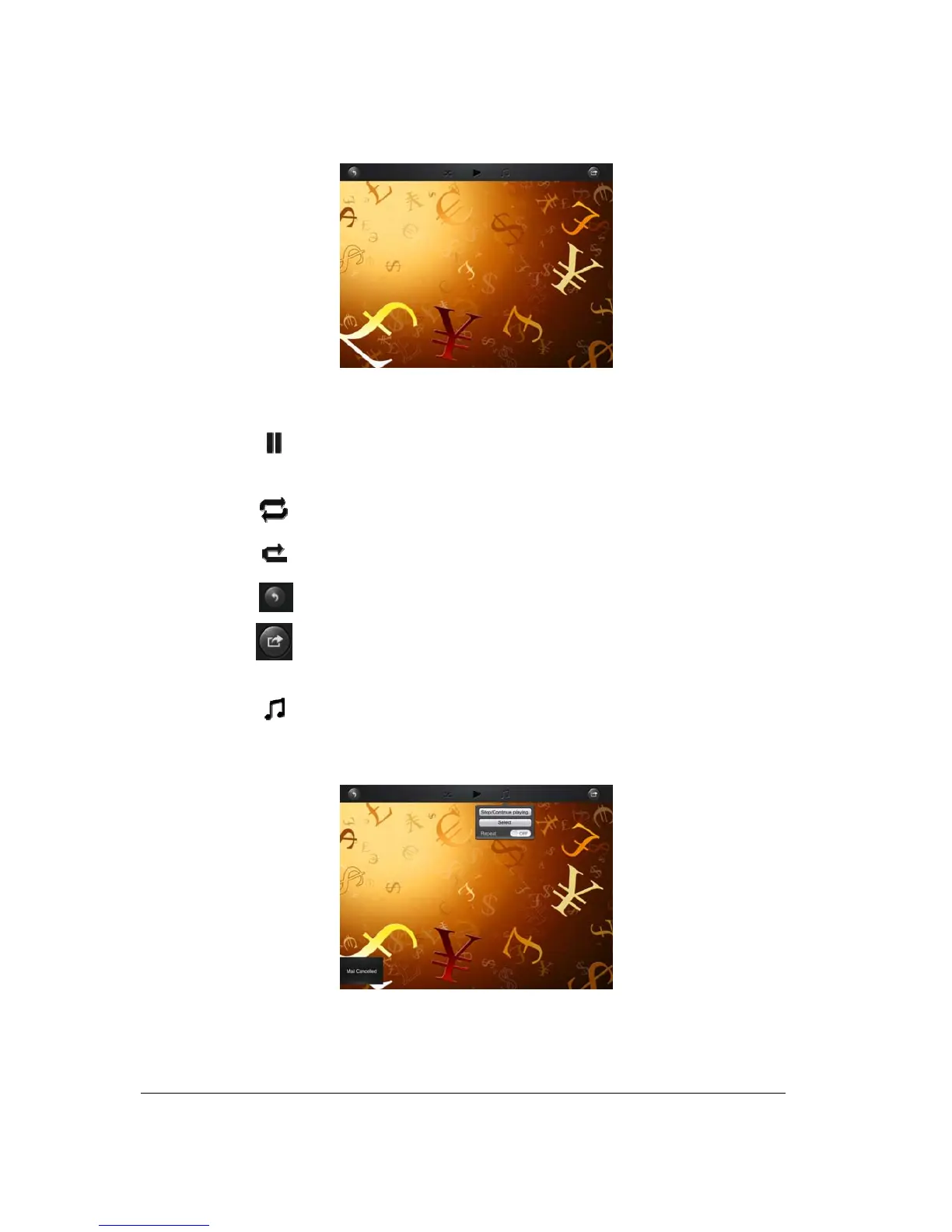
There are few available functions to control the slideshow.
• Click the
button to pause the slideshow from playing and press again to continue
playing.
• Click the
button to restart or to replay the slideshow.
• Click the
button to play the slideshow once and it will stop at the last image or photo.
• Click the
button to return from the previous screen.
•
Click the button to share photos via email, adding the photo inside the device Photo Album
or through Facebook. Internet connection is required to share photos via email or Facebook.
• Click the
button to add background music while playing the slideshow as seen on the
screenshot below.
• Stop/Continue playing button - to stop or continue playing the background music.



 To Next Page