Power 7 Technology Corporation – Wi-Fi SD/USB Users Manuals v1.0
59
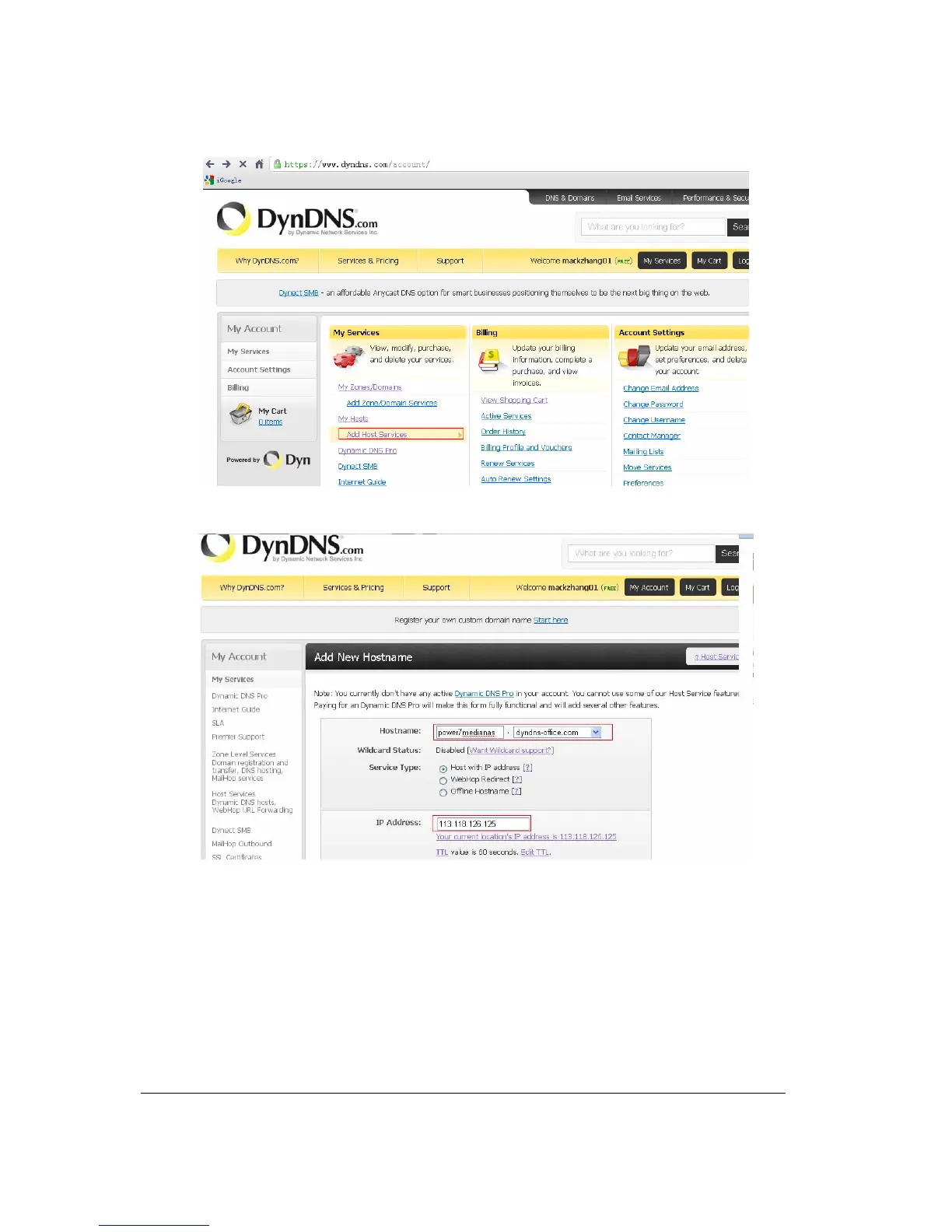
Fill hostname/IP address and IP address as well as IP address of LAN where the nase is located to
the Wlan network (if your PC and nas are within the same LAN, log in http://whatismyipaddress.com/ to
check IP address also the DynDNS below show your LAN IP address)
Meanwhile select the purpose of application;
Your domain name can be seen in my host once the application succeeds, shown as follows:



 To Next Page