Secure PumpPAY Retrofit Kit Configuration Guide
56 November 10, 2011
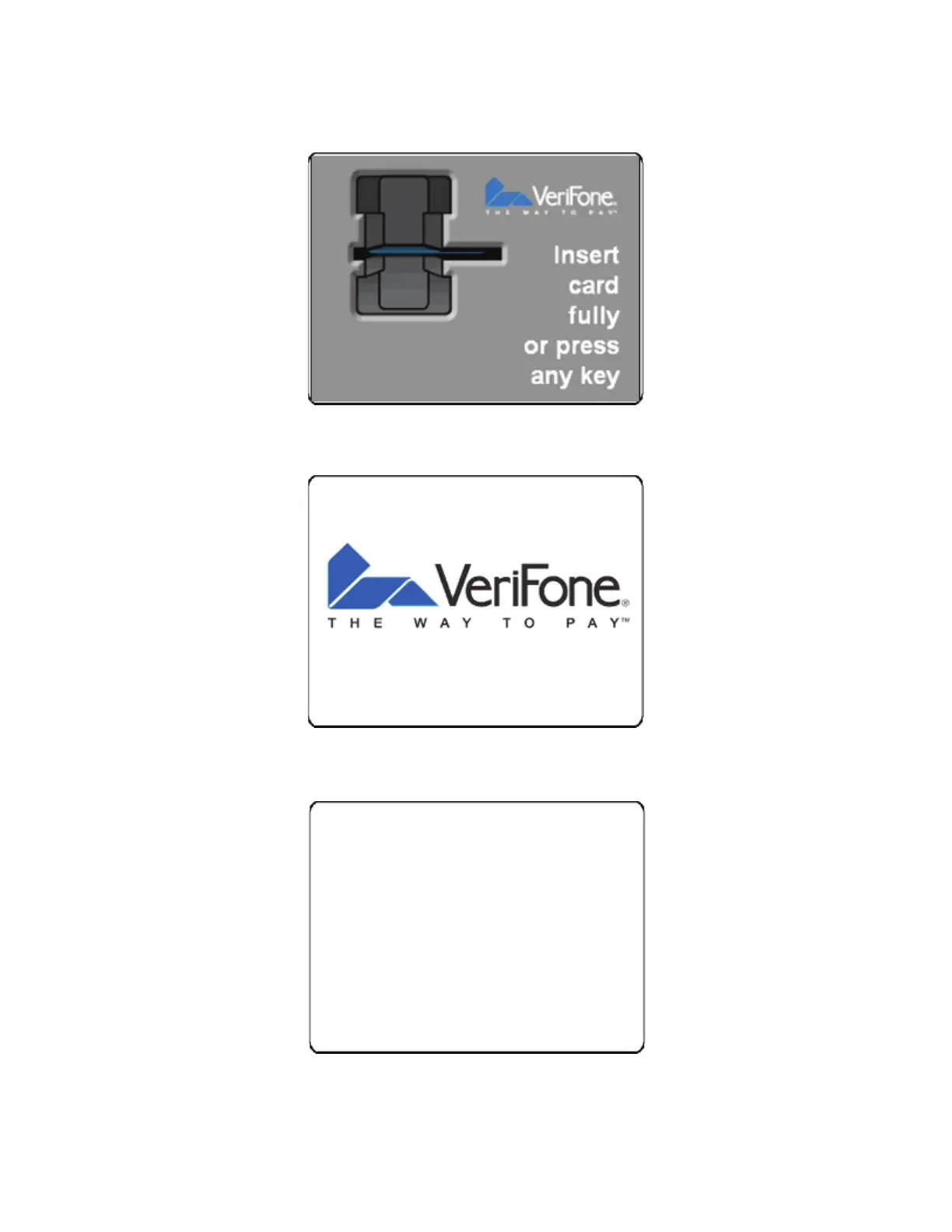
12. To view the video that will play when the pump is idle, press the key next to Idle.
13. To view the video that will play during fueling, press the key next to Fuel.
14. To leave the MENU2 screen and return to the Diagnostics menu, press Back.
15. Press [
*
] to leave the Diagnostics function.
16. Press [
*
] twice to exit the Configuration function and finish loading the MX 760 software.



 To Next Page