Secure PumpPAY Retrofit Kit Configuration Guide
4 November 10, 2011
Setting the Terminal IP Address
To set the IP address for the MX 760, do the following.
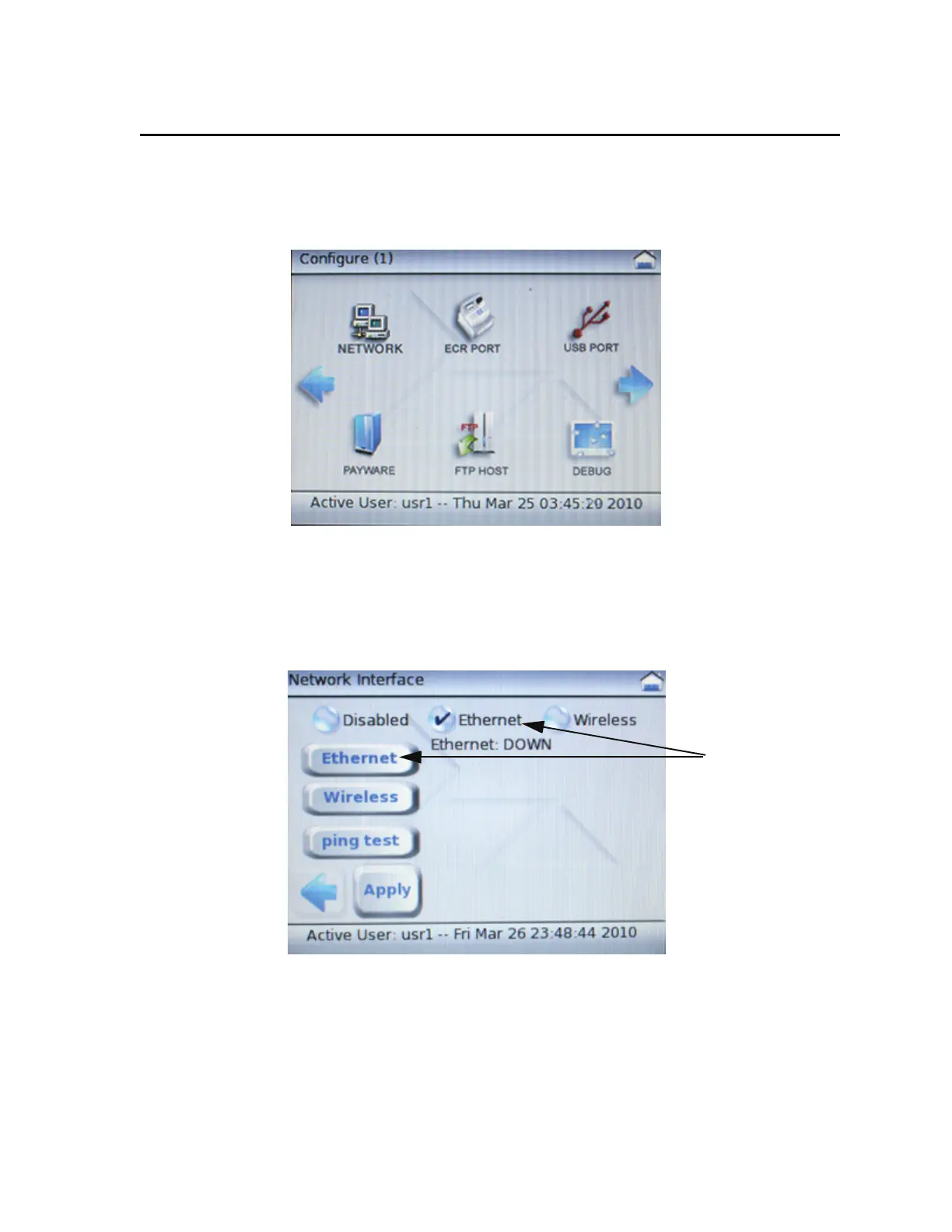
1. From the System Mode main menu, select the CONFIGURE icon to display the Configure
menu.
2. From the Configure menu, select the NETWORK icon to display the Network Interface
menu.
3. From the Network Interface menu, select the Ethernet round button, and then select the
Ethernet oval button to display the Ethernet Configuration menu.



 To Next Page