Secure PumpPAY Retrofit Kit Configuration Guide
2 November 10, 2011
Setting Up the MX 760 for Use on a LAN
Use the following procedure for setting up the MX 760 terminal for use on the network.
To set up the MX 760 terminal for use on the network, you must enter System Mode.
Note: Before entering System Mode and selecting the functions to perform, verify that the
MX 760 terminal has been installed as described in one of the Secure PumpPAY MX 760
Installation Guides. Make sure that the terminal is connected to a power source,
connected to the network, and is turned on.
Entering System Mode
Note: If no application has been installed on the MX 760 terminal, the terminal will
automatically start in System Mode on power up.
If an application is running on the MX 760, do the following to enter System Mode:
1. At the main welcome screen, press the [1], [5], and [9] keys simultaneously on the keypad and
release the keys immediately.
2. After a 10 – 20 second wait, the system will prompt for the System Mode password. Enter the
password on the keypad and press [ENTER]. The default System Mode password is 166831.
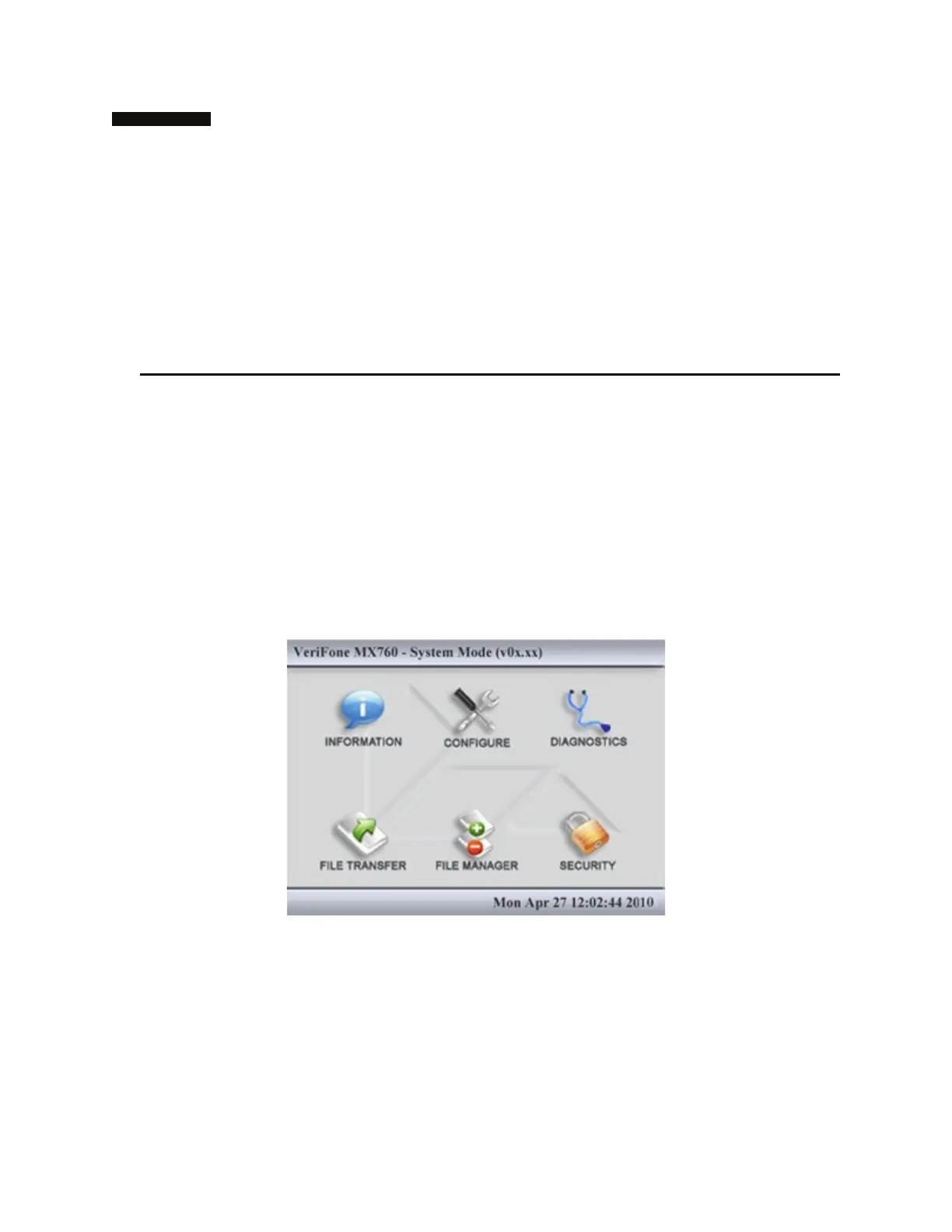
3. If the password is entered correctly, the System Mode main menu screen displays. (If the
password is entered incorrectly, the system restarts the application.)



 To Next Page