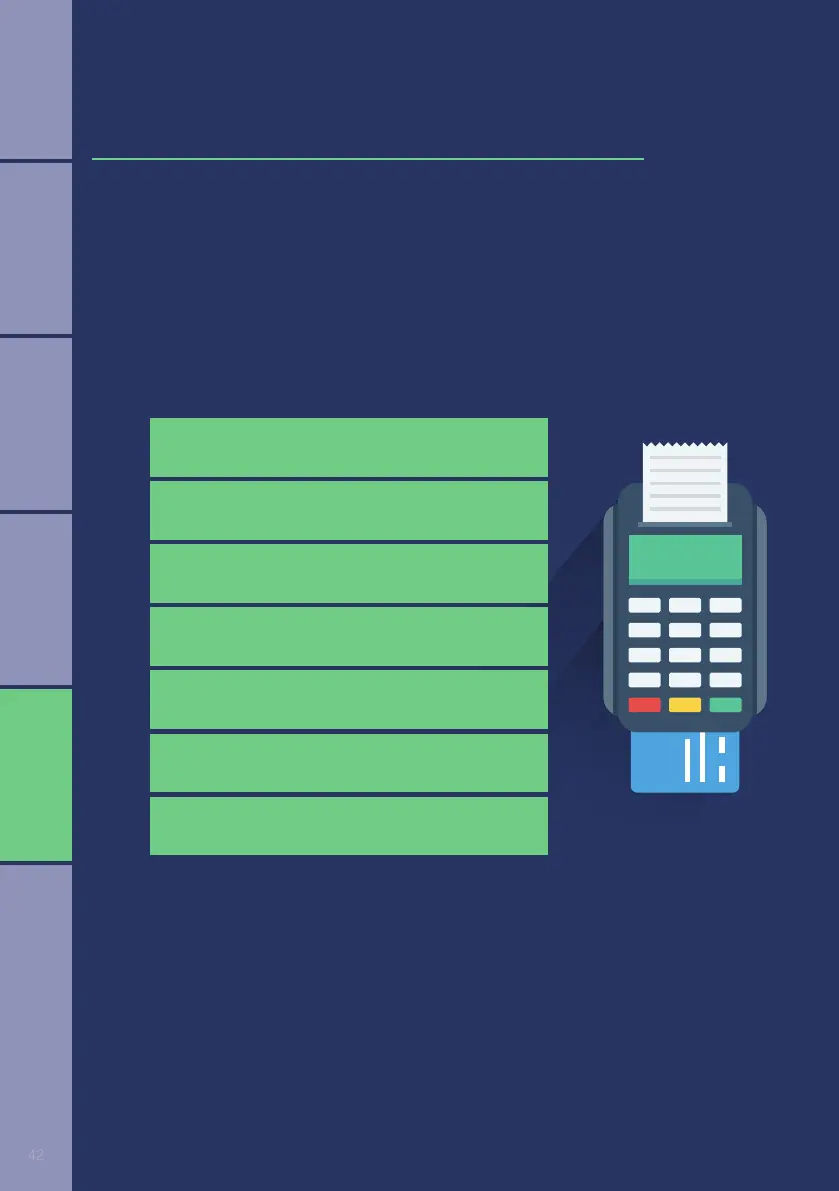
Select the transaction you want to perform by pressing the corresponding number.
1. Purchase
4. Pre-authorisation
2. Correction
5. Pre-authorisation Completion
3. Refund
6. Pre-authorisation Cancel
7. Voice Approval
Workshop
The POS device idle screen will give you the option to press * for menu or
# for transaction list. If you press #, the following transactions (if enabled)
will appear:
4
RETAIL FORECOURT WORKSHOP VALUE ADDED SERVICESRESTAURANT
















 To Next Page