12
: Should your SIM Card be lost or damaged please call 1-800-922-0204 to speak with a Customer Service Representative. From
outside the U.S. call + 1-908-559-4899 for 24/7 Global Support.
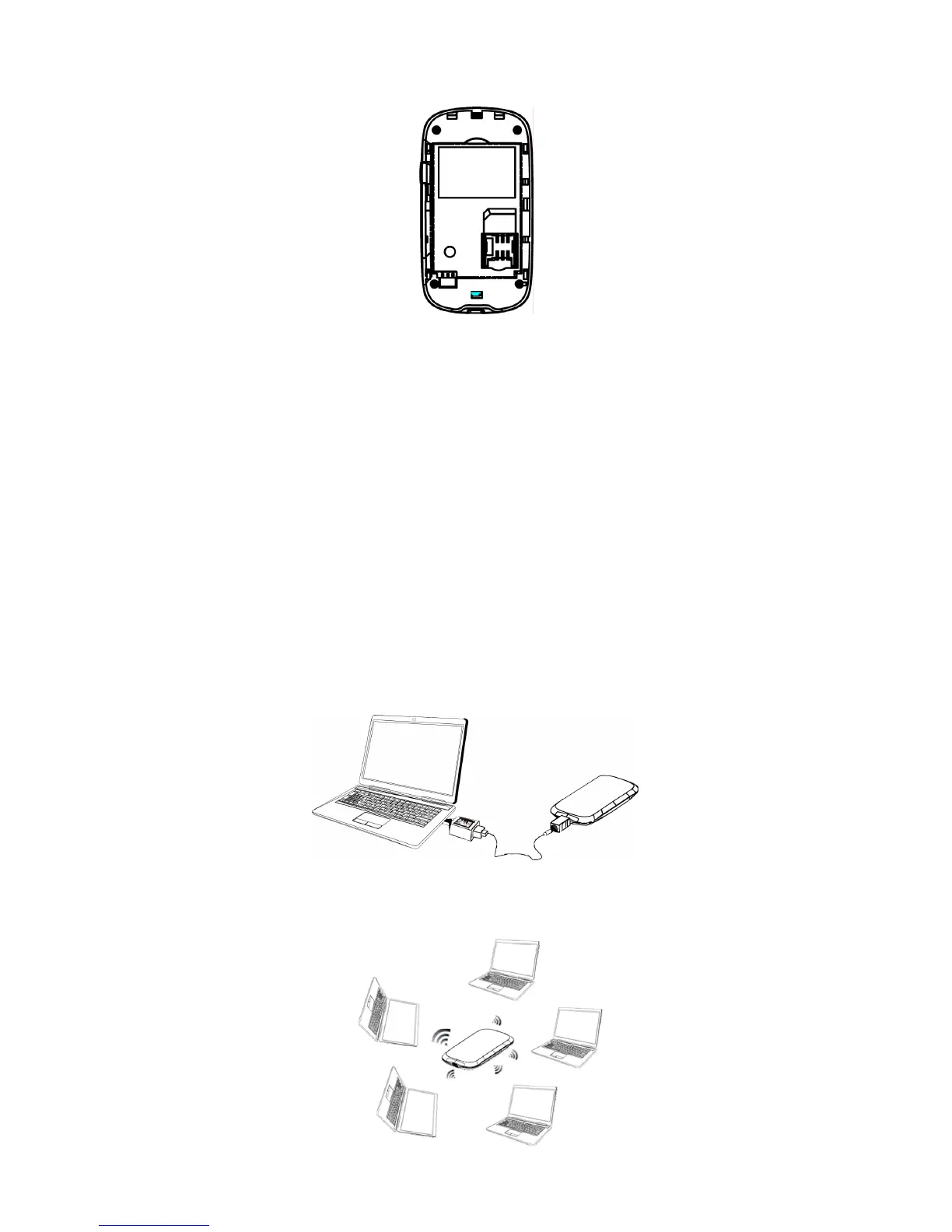
*Your SIM (Subscriber Identity Module) Card is a small rectangular plastic card that stores your phone number and important
information about your wireless service.
CAUTION: Do not bend or scratch your SIM Card. Avoid exposing your SIM Card to static electricity, water or dirt.
IMPORTANT: Prior to using GlobalAccess service outside of the U.S., you must:
1. Ensure VZAccess Manager is properly installed on your computer.
2. Ensure a GlobalAccess service plan is activated on your Fivespot.
Connection options
There are two connection options for this device:
z
USB Mode
:
Connect the device to your notebook via the included USB cable, then power on your device.
.
z
Wi-Fi mode
: Power on directly without connecting to notebook. See figure below.



 To Next Page