14
Manager does not automatically install, go to Start >My Computer and click to open the CD-ROM drive with the Verizon
Wireless icon. Double click on setup.exe and wait a few moments for the software and drivers to automatically install.
4. Launch VZAccess Manager. The first time you launch VZAccess Manager, the Setup Wizard appears. Follow the on-screen
instructions to configure the device. When prompted select Auto Detect or USB Modem as device type.
5. Select Verizon Wireless --VZAccess from the available networks and select Connect WWAN. Follow the onscreen prompts
6. If your device was not activated prior to installation of VZAccess Manager, the software will connect to the Verizon Wireless
activation website. Follow the on-screen instructions to complete the activation.
7. Setup is now complete.
18 THE BASICS
Macintosh
1. Turn on your computer and close all applications. Make sure your Fivespot is off.
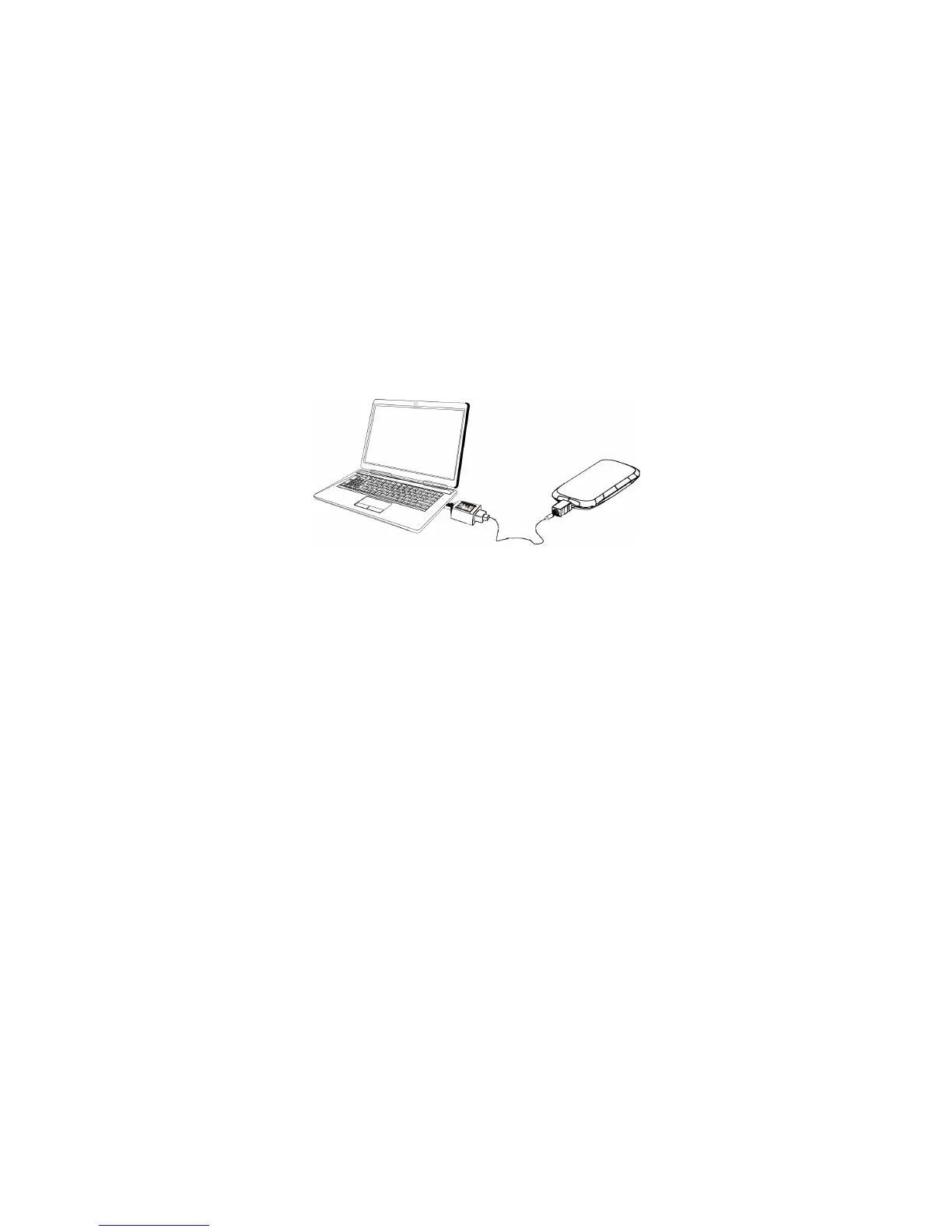
2. Insert the USB cable into the Mini USB port on your device and the other end into the USB port of your computer.
3. To turn your Fivespot on, press and hold the Power button until the signal icon is lit. The VZAccess Manager CD icon appears.
Click to open and select VZAccess Manager to launch the installer. Follow the on-screen instructions to install the software and
drivers. After theinstallation is complete, your Mac will re-start.
19HE BASICS
4. Launch VZAccess Manager. The first time you launch VZAccess Manager the VZAccess Manager Setup Wizard appears.
Following the on-screen instructions to configure the device. When prompted select USB Modem as device type.
5. Select Verizon Wireless --VZAccess from the available networks and select Connect WWAN. Follow the onscreen prompts.
6. If your device was not activated prior to installation of VZAccess Manager, the software will connect to the Verizon Wireless
activation website. Follow the on-screen instructions to complete the activation.
7. Setup is now complete.



 To Next Page