21
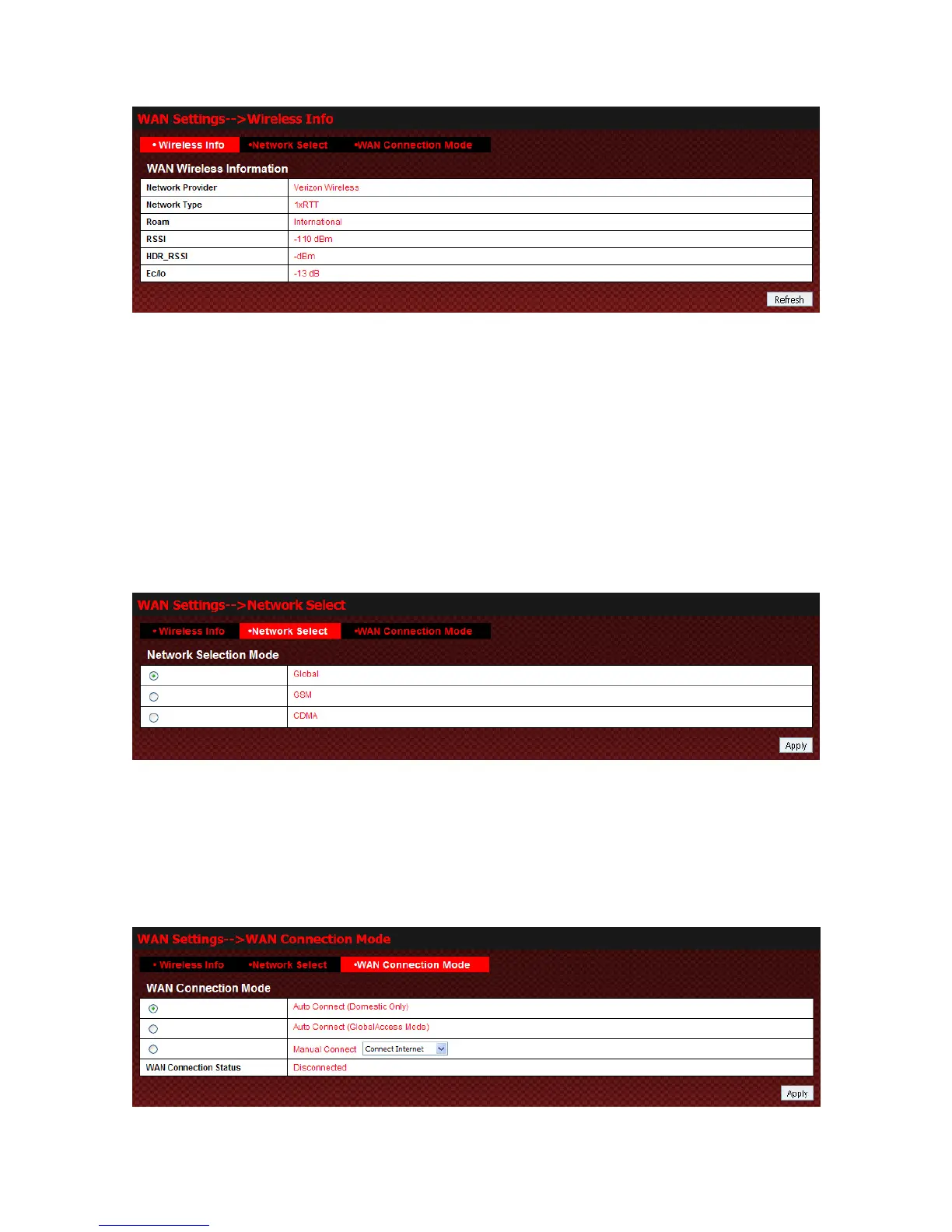
Click Refresh to update the wireless information.
NOTE:
The parameter “Global Access” have several values:
1.
HOME
: Registered on the network of Verizon Wireless.
2.
EXTENDED NETWORK
: Registered on the network of other operators.
3.
INTERNATIONAL
: Roaming outside the USA.
4.
ROAMING
: Roaming.
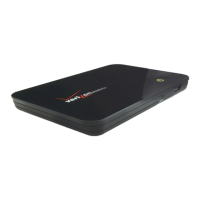
Network Select
Select WAN Settings→Network Select to access:
z Global: Device will automatically register to valid wireless network.
z GSM: Device will register to GSM network only.
z CDMA: Device will register to CDMA network only.
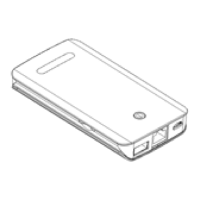
WAN Connection Mode
Select WAN Settings→WAN Connection Mode to access:
There are three connection modes:
1. Auto Connect (Domestic Only): When registered on CDMA/EVDO network of the United States, the



 To Next Page