64
/ USING NETWORK
CONNECTIONS
verizonwireless.com | ©2019 Verizon Wireless. All Rights Reserved.
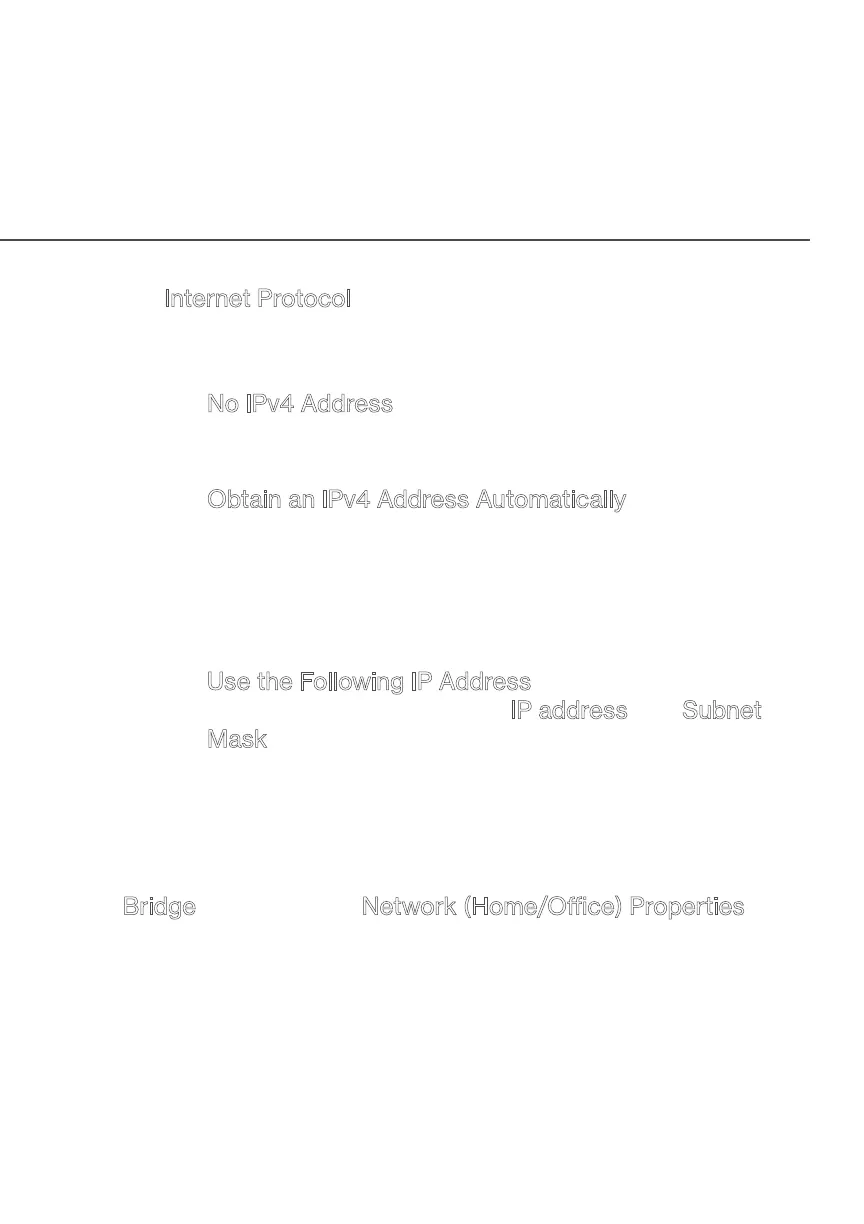
• Internet Protocol
In the Internet Protocol section, specify one of the
following:
– No IPv4 Address: the connection has no IP address.
This is useful if the connection operates under a
bridge.
– Obtain an IPv4 Address Automatically: the network
connection is required by Verizon to obtain an IP
address automatically. The server assigning the IP
address also assigns a subnet mask address, which
can be overridden by entering another subnet mask
address.
– Use the Following IP Address: the network connection
uses a permanent or static IP address and Subnet
Mask address, provided by Verizon or experienced
network technician.
BRIDGE
In the Bridge section of the Network (Home/Oce) Properties, you
can configure the various LAN interfaces.
Caution: Do not change these settings unless specifically instructed
to by Verizon. Changes could adversely aect the operation of your
Fios Home Router and your local network.


 To Next Page